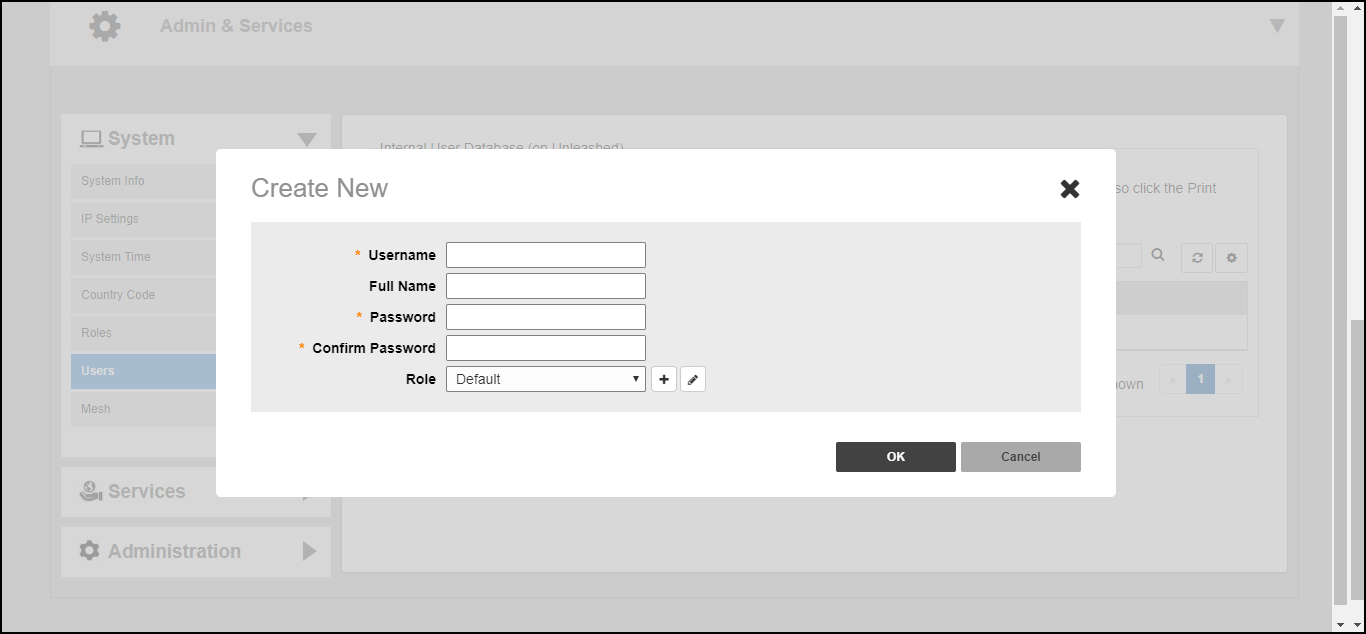
Adding User Accounts to the Internal User Database Go to Admin & Services > System > Users and click Create New. Enter a User Name, optional Full Name, Password, Confirm Password, and select a Role for this user. Click OK to create the new user. Creating a new User on the Internal User Database Parent topic: Working with Clients