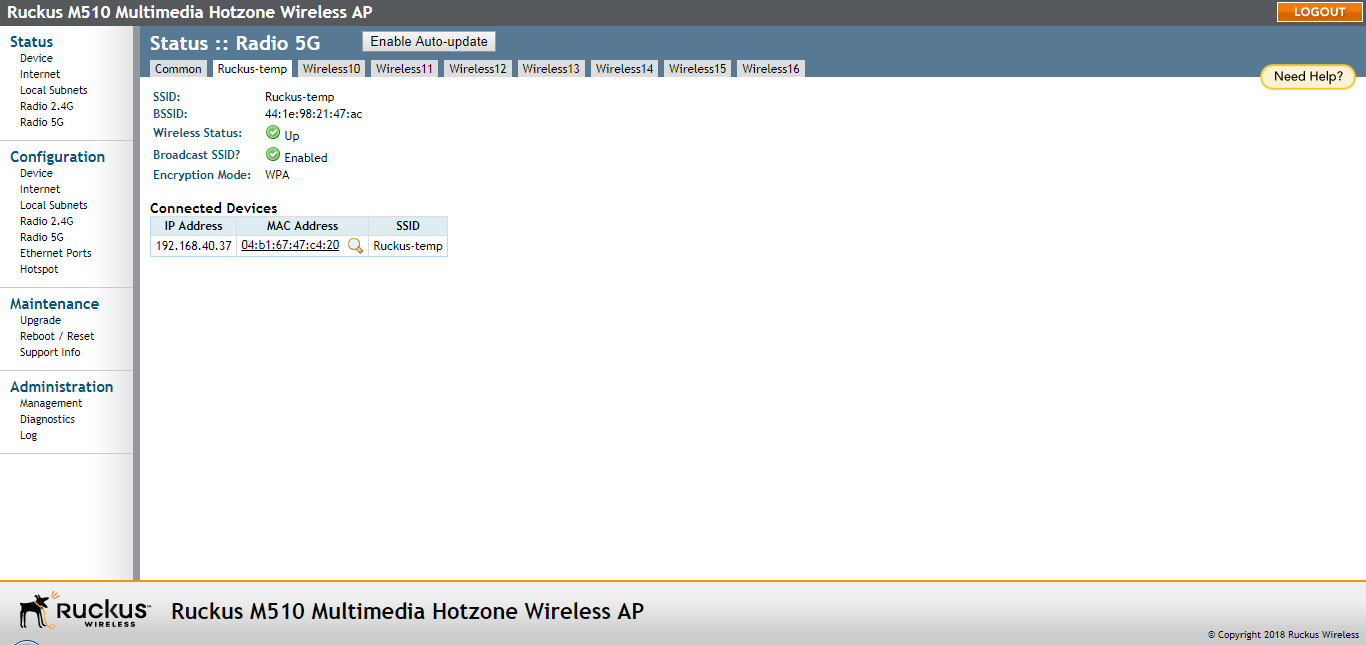
Viewing Associated Wireless Clients
The
Status > Radio 2.4/5G > [WLAN name] page provides an overview of currently connected wireless clients.
A usage-monitoring capability has been built into the AP to help you monitor wireless clients that are associated with your wireless network.
- Go to Status > Radio 2.4G/Radio 5G > [WLAN name].
- Click any of the Wireless # tabs. Wireless clients that are associated with this particular wireless network appear under Connected Devices.