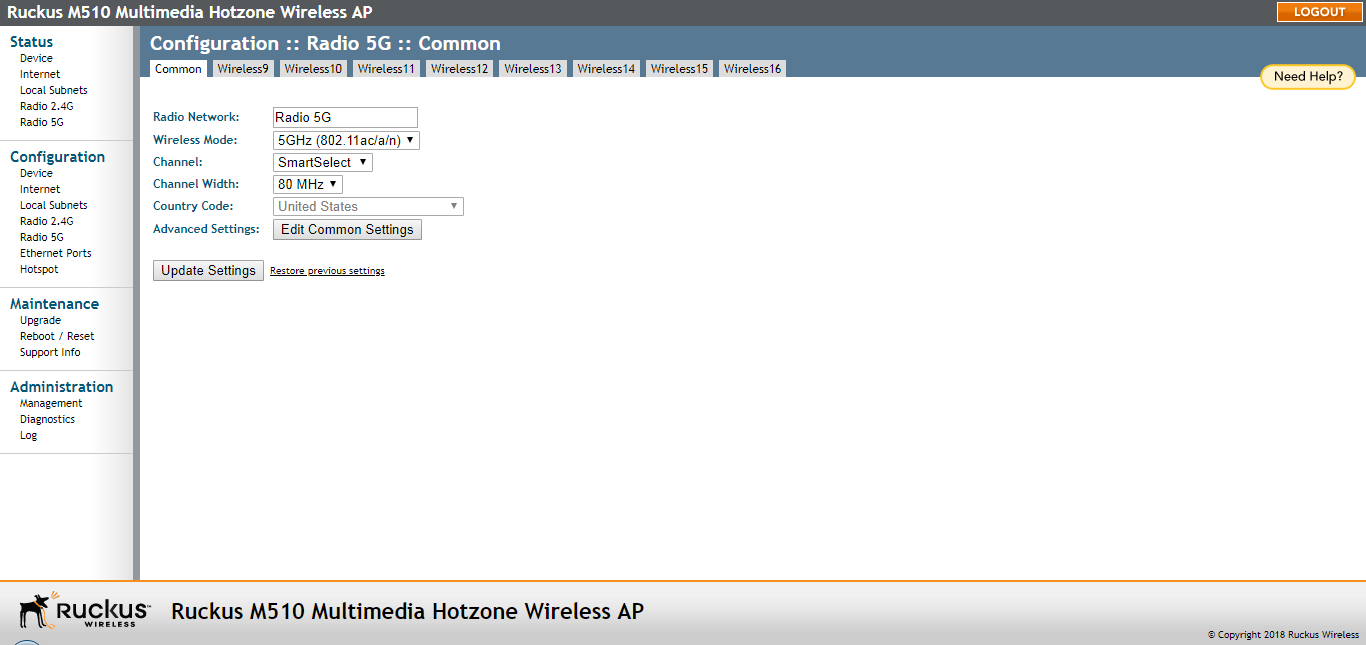
Configure the Common Wireless Settings
Configure the settings on the Common tab and at least one Wireless # (WLAN Number)
tab.
For your reference, the default wireless settings for the WLANs are listed in the following table.
- On the left menu of the web interface, click (Radio 2.4G or Radio 5G on dual-band APs). The Configuration > Common page appears.
- Verify that the common wireless settings are configured as listed in the following
table.
Common wireless configuration
Setting Recommended Value Channel SmartSelect. Country Code If you purchased the AP in the United States, this value is fixed to United States at the factory and is not user configurable. If you purchased the AP outside of the United States, verify that the value is set to your country or region. Selecting the correct Country Code ensures that the AP uses only the radio channels allowed in your country or region. Note for dual-band APs: The two radios on dual-band APs are always configured with the same Country Code setting. If you change the Country Code for Radio 1, for example, the same change is automatically applied to Radio 2. - If you made any changes to the Common tab, click Update Settings.
- Continue with Configuring Wireless # (WLAN number) Settings below.