R600
The Ruckus R600 is a high-performance 3x3:3 802.11ac dual-band AP designed for medium-
to high-density wireless networks.
Note: The R600 AP requires a minimum of AP base image 100.0.0 and later to operate, or SCG
2.5.1 and later, vSZ 3.0 and later, SmartZone software 3.2 and later, or ZD 9.8.1
and later to operate.
The R600 includes five LEDs on its front panel and buttons and connectors on its rear panel.
Front View Features
The following figure shows the top view of the R600. For a description of the front panel LEDs, refer to the table below.
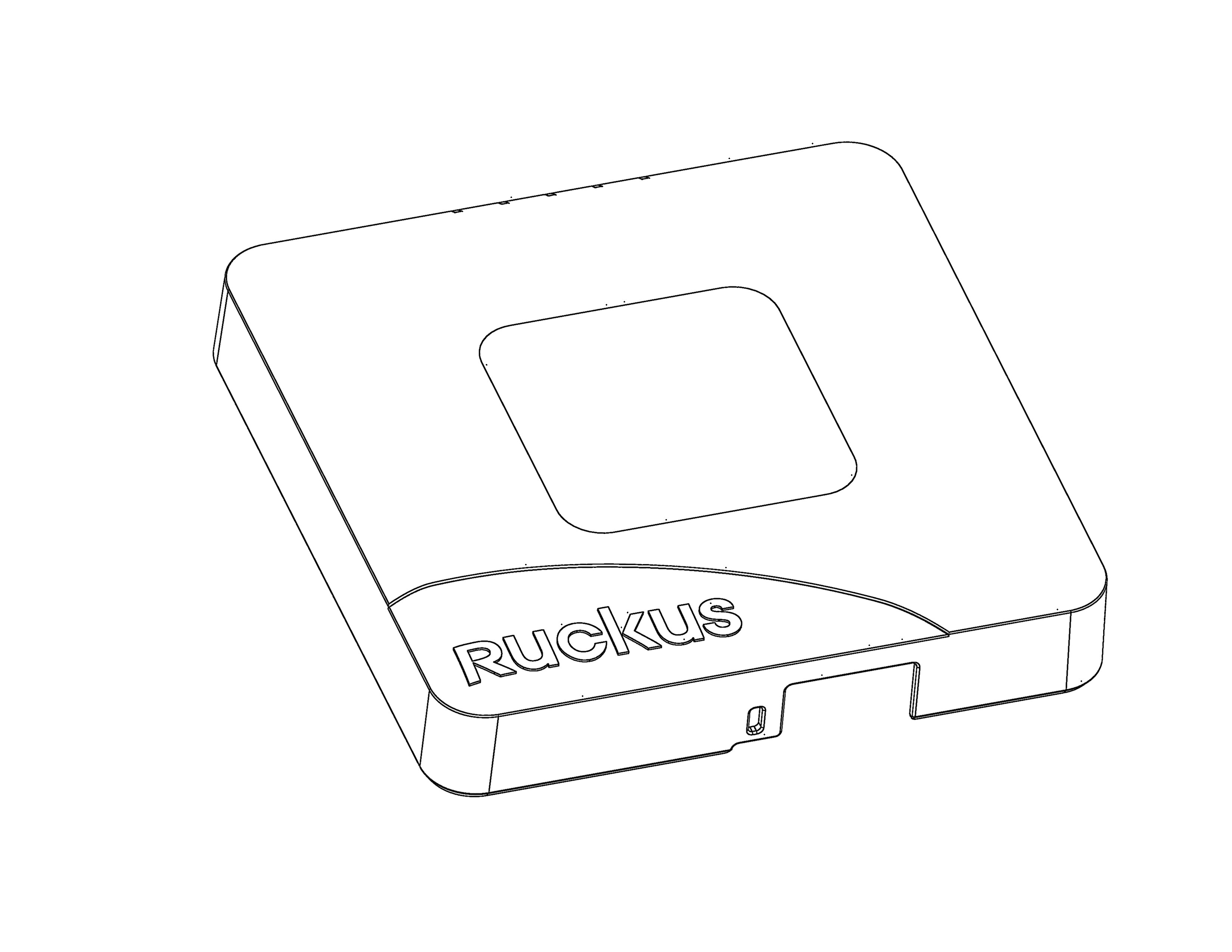
R600 front panel LEDs
Rear Panel
The rear panel of the R600 includes one 10/100/1000 PoE Ethernet port, one 10/100/1000 (non-PoE) Ethernet port, power socket and reset button. See the table below for a description of each rear panel part.
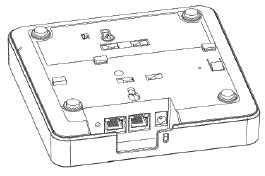
R600 Rear panel element descriptions
| Label | Description |
|---|---|
| RESET Button | Pressing, and then quickly releasing this button reboots the AP. Pressing and holding
it for six seconds resets the AP to factory default settings.
Note: Resetting the AP to factory default settings erases all settings that you configured
previously.
|
| PoE Port | One RJ-45 port for a 10/100/1000 PoE (Power over Ethernet, 802.3af/at) connection. (The R500 is a Class 3 device.) |
| Ethernet Port | One RJ-45 port for a 10/100/1000 connection. |
| 12VDC | Connect the power adapter (12 VDC/1.25A) to this socket. Power can also be supplied via the 10/100/1000 PoE port. |