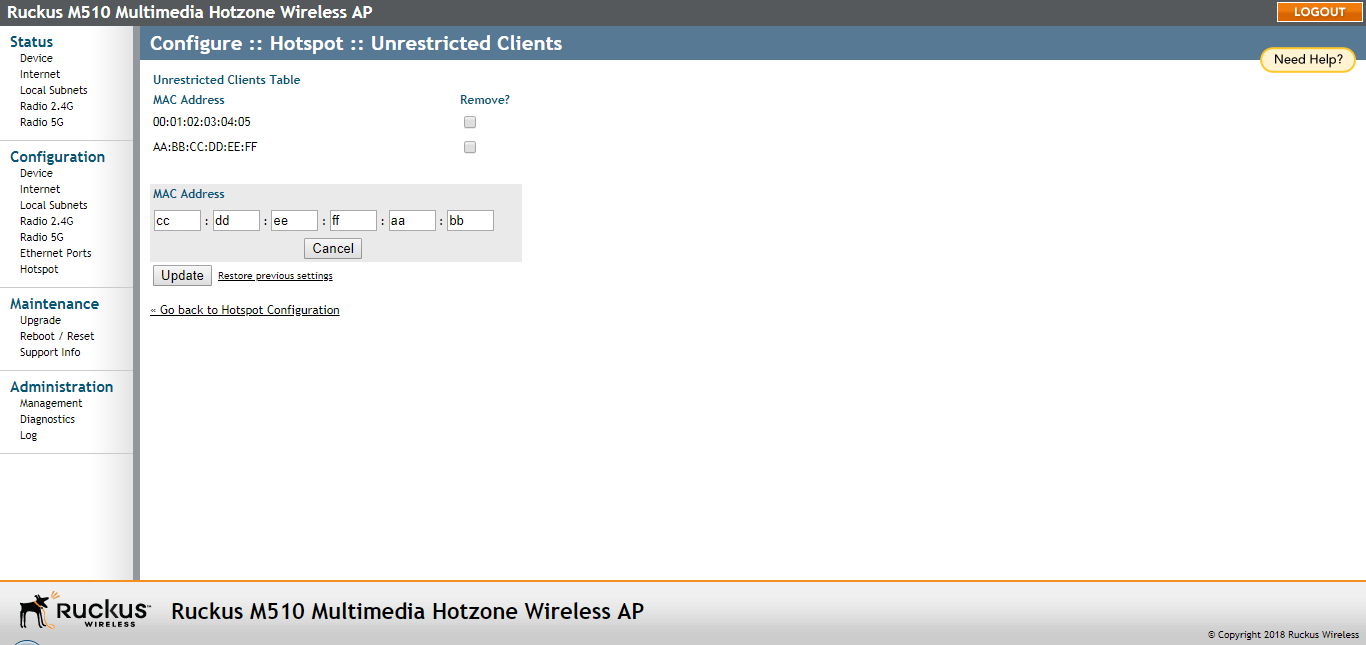
Allowing Unrestricted Access by MAC Address
Use Unrestricted Clients to allow clients with specified MAC addresses to bypass the
authentication process.
You are viewing a cached version of this page.
You are currently offline. This page was loaded from cache.
Did you find what you were looking for?