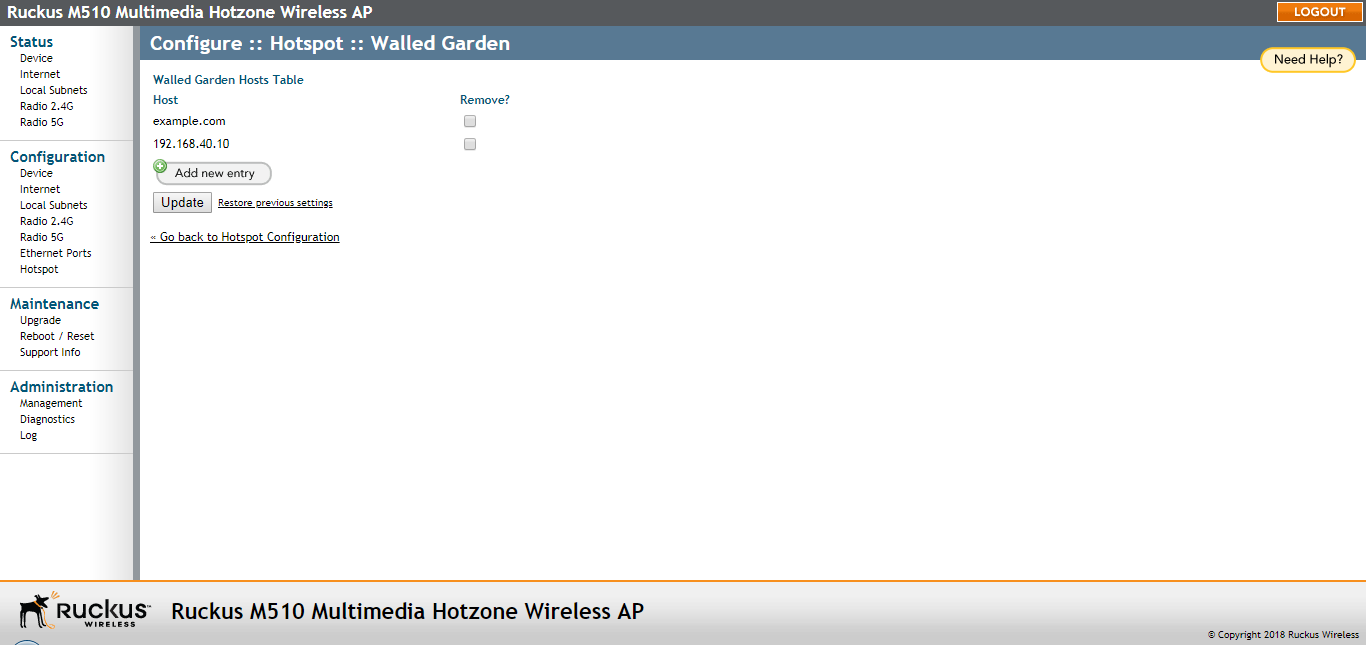
Creating Walled Garden Rules
Configuring a Walled Garden allows unauthenticated hotspot clients to access certain
network resources, or visit certain websites, prior to authentication.
- Go to Configuration > Hotspot.
- Click the Edit Settings button next to Walled Garden. The Walled Garden page appears.
- Click Add new entry. A field entitled Walled Garden Host appears.
- In Walled Garden Host, enter a host name, IP address, network segment (e.g., 192.168.1.0/24) or a domain name. If a domain name is entered, it is resolved every 5 minutes.
- Click Update to save your entry.