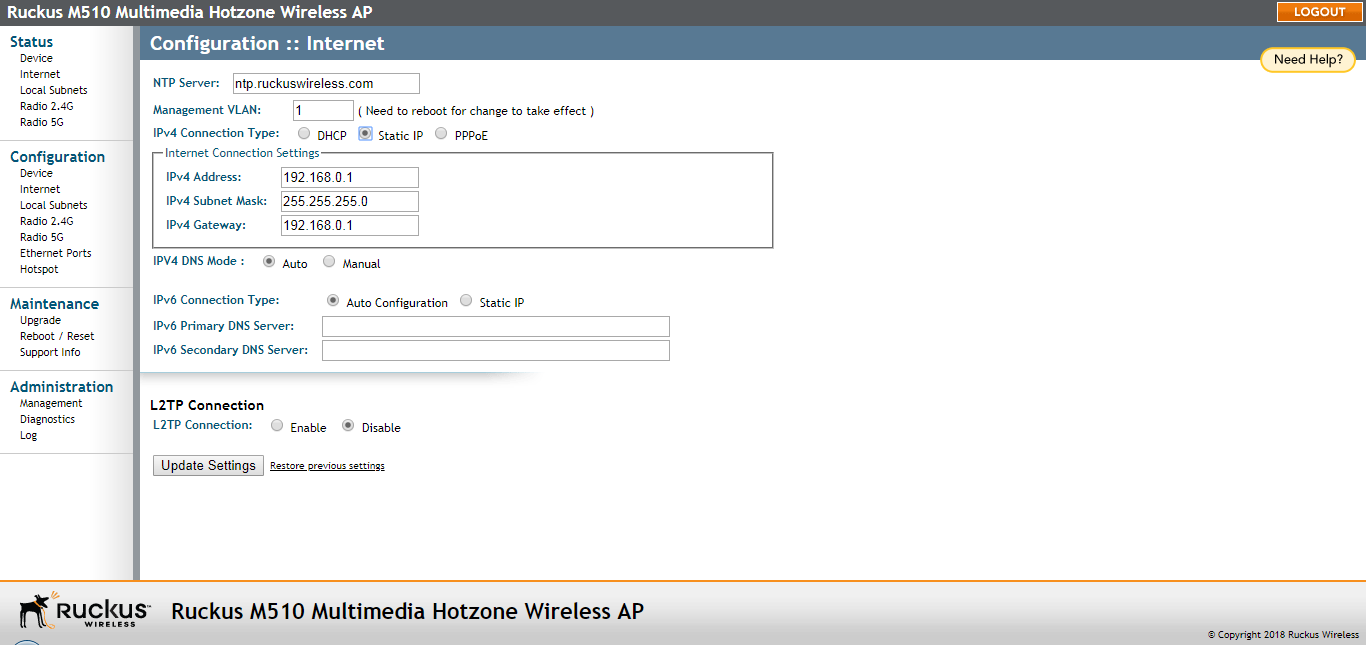
Configuring Static IP
Configuring a static IP address may be preferable in cases where you do not want the
AP to be assigned an address dynamically.
You are viewing a cached version of this page.
You are currently offline. This page was loaded from cache.
Did you find what you were looking for?