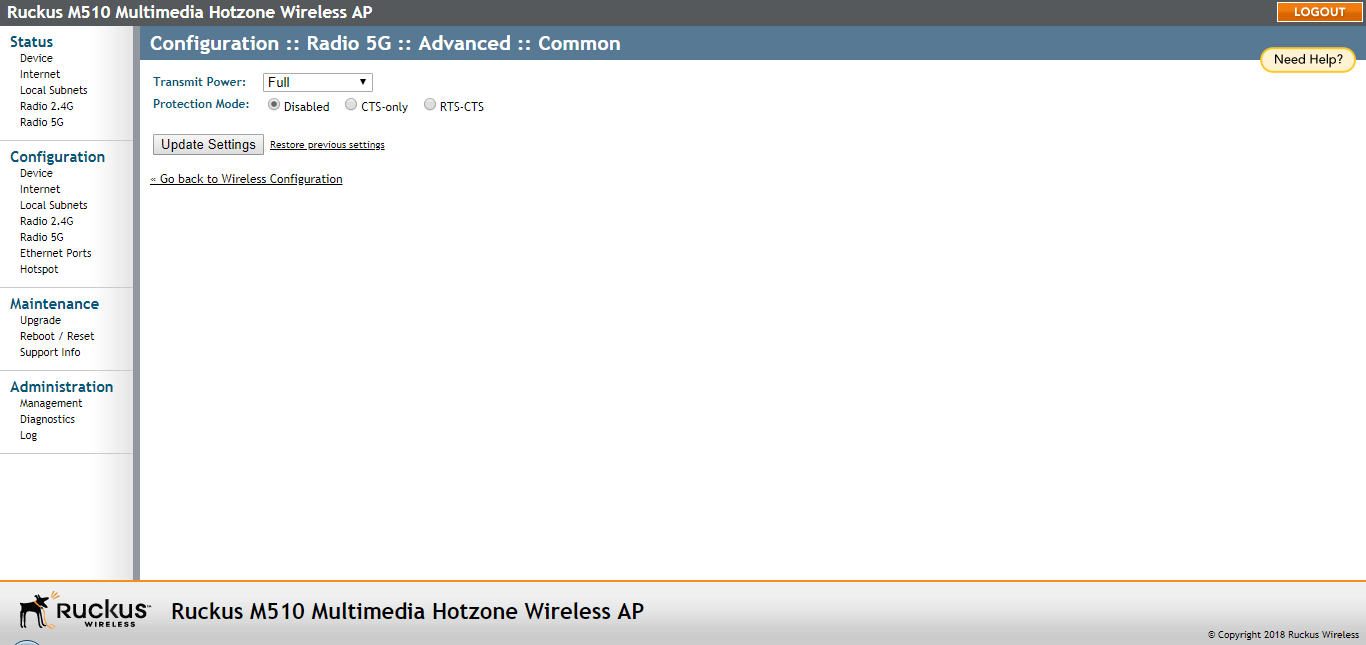
Configuring Common Advanced Settings
The Common Advanced settings provide options for configuring Transmit Power and Protection
Mode.
Caution: Advanced wireless settings should only be changed by an experienced administrator.
Incorrect settings can severely impact wireless performance. It is recommended that
the default settings are retained for best performance.
Note: To fully benefit from the AP's capabilities, it is advisable not to change these values
unless absolutely necessary.
- On the Configuration > Wireless page, click Advanced Settings: Edit Common Settings. The Configuration > Wireless > Advanced > Common page appears.
- Configure the advanced settings listed in the following table as required.
Advanced common wireless settings
Option Description Transmit Power The default setting is Full. Select the level of transmit power from the drop-down menu. This option sets the maximum transmit power level relative to the predefined power (this value differs according to the current country code). Protection Mode (Disabled by default.) If you activate protection, you control how 802.11 devices know when they should communicate with another device. This is important in a mixed environment of different 802.11 wireless clients. Caution: Activating this option (and configuring the settings) boosts the interoperability of different wireless devices but severely decreases performance.CTS-only: Choose this option to force all destination devices to acknowledge their ability to receive data when a transmission is initiated. Use this option for compliance with the Wi-Fi Alliance certification. RTS/CTS: Choose this option to force both sending and receiving devices to confirm a data exchange on both ends before proceeding. - Click Update Settings to save and apply the changes.