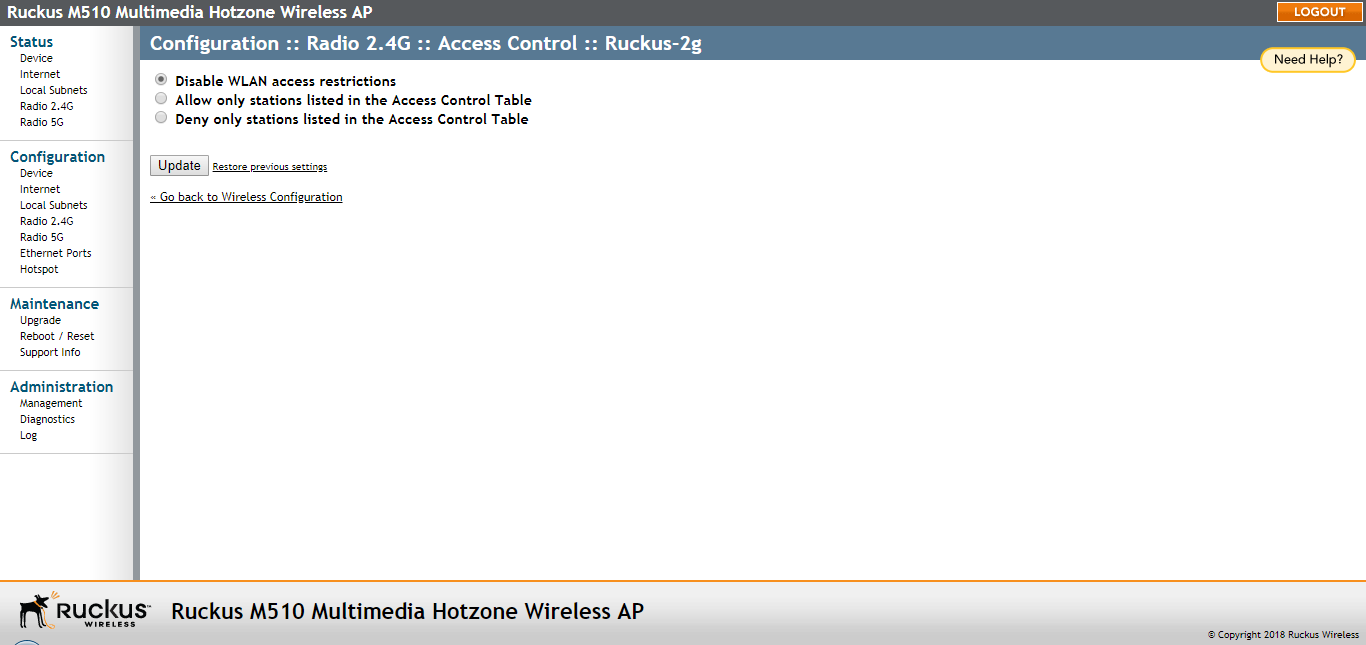
Changing the Access Controls for a WLAN
Use the Access Control page to configure access to the wireless network.
- Go to Configuration > Radio 2.4G or Configuration > Radio 5G.
- Click the Wireless # tab for the WLAN for which you want to enable access controls.
- Click the Edit Settings button next to Access Control. The Access Control page appears.
- Click Allow only stations listed in the Access Controls Table or Deny only stations listed in the Access Controls Table. (For a description of the options, refer to Access Control Options.)
- To add a MAC address to the Access Control Table, click Add new entry.
- Fill out the following text boxes:
- Click Update to save your changes. Assuming all parameters you entered are acceptable, that row is added to the table.