Saving a Copy of the Current Log to Your Computer
You can also save a copy of the current log to your own computer, if needed.
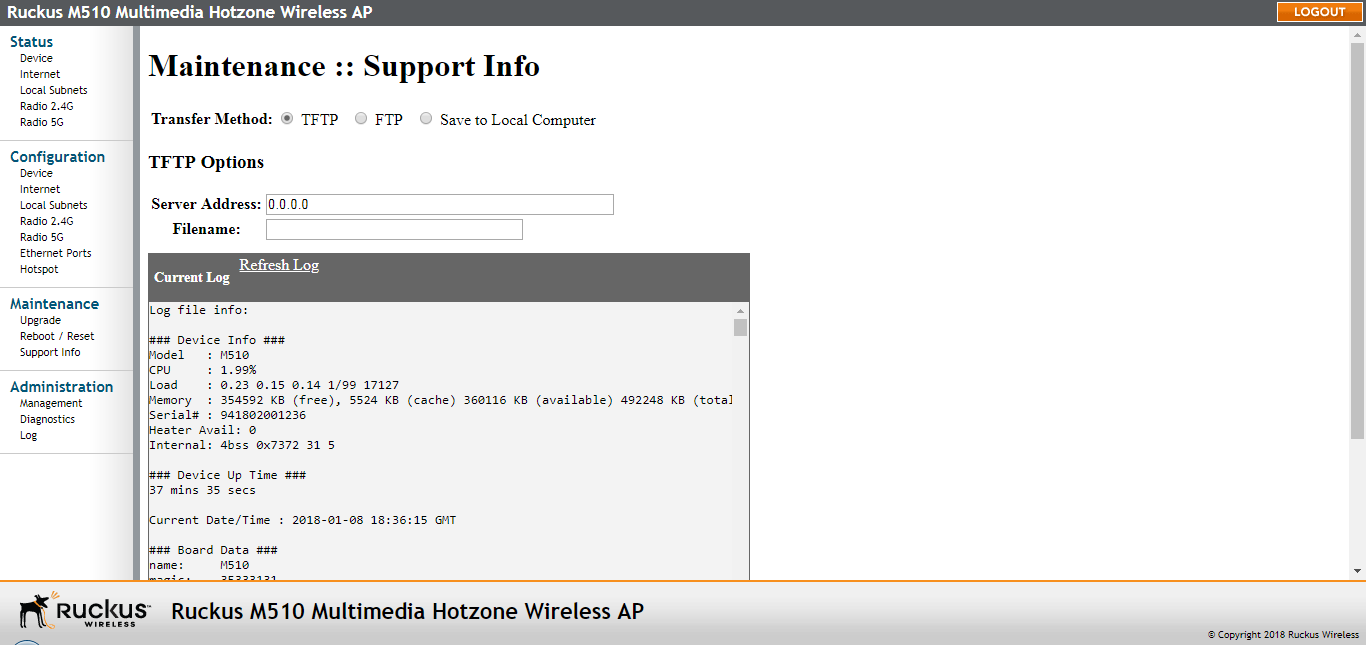
- Go to Maintenance > Support Info.
- Review the Transfer Method options.
- Click the Save to Local Computer option. Two links appear next to Download (supportinfo.txt and tr069info.txt).
- Click the supportinfo.txt link. A new window (or tab) opens with the content of the log file displayed.
- Choose Save As or Save Page As from your browser’s File menu.
- When the "Save as..." dialog box appears, find a convenient location on your local computer to save the file, and change the file extension from .html to .txt.
- Click Save to save the file to your computer.