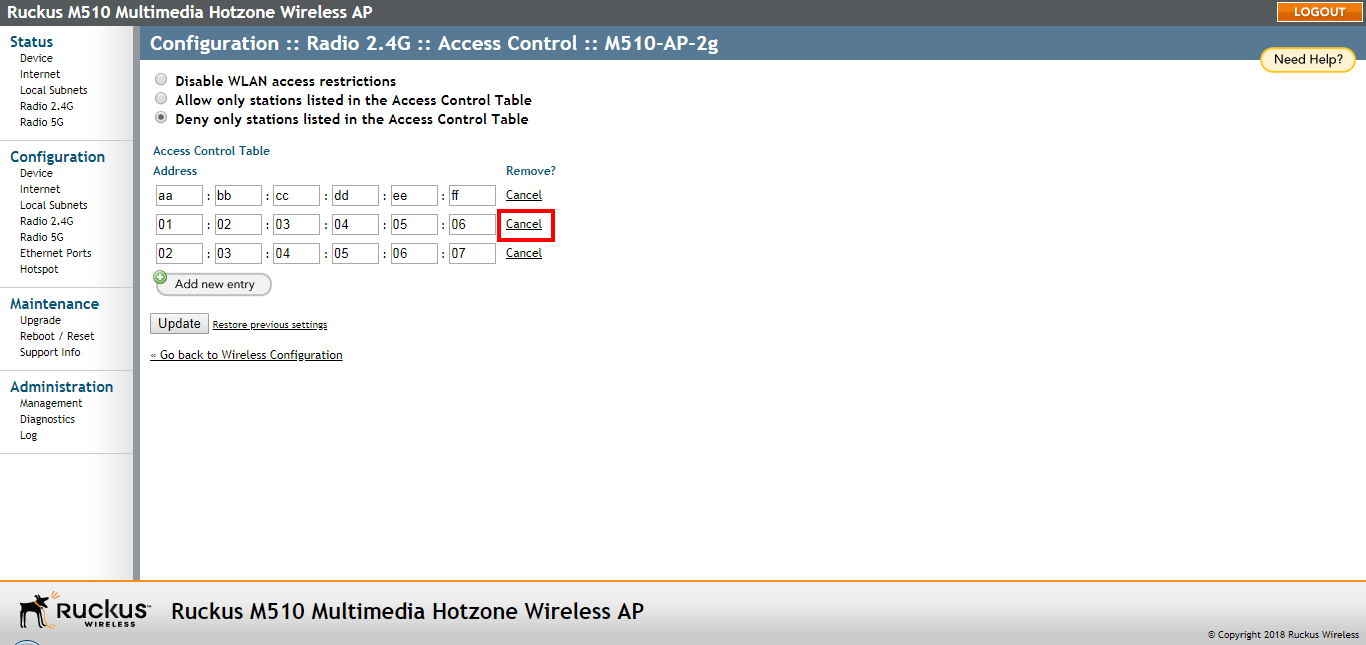
Removing a MAC Address
Remove MAC addresses from the Access Control list.
You are viewing a cached version of this page.
You are currently offline. This page was loaded from cache.
To remove a MAC address from the ACL table, click the Cancel button under the Remove column, and then click Update. The ACL table refreshes, and the MAC address that you deleted disappears from the table.
Did you find what you were looking for?