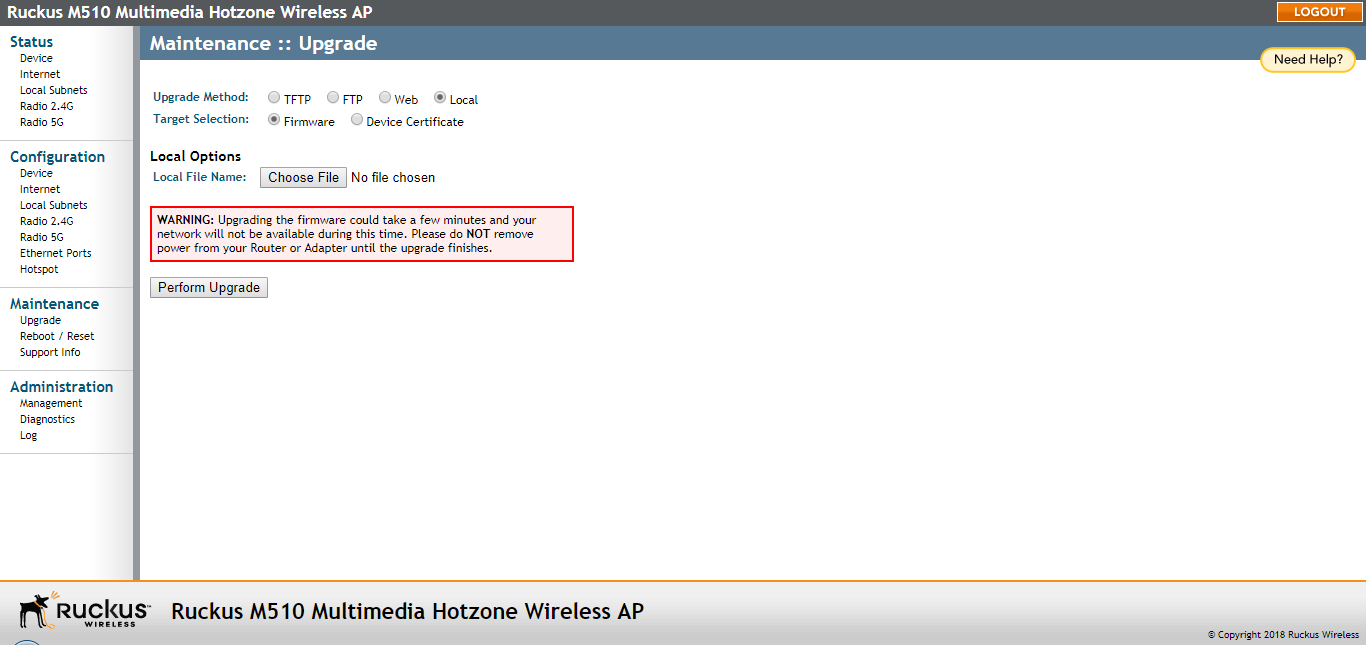
Upgrading Manually via Local File
If you have already saved an image file on your local computer, then you can upgrade
directly using the web interface.
- In the Upgrade Method options, choose Local.
- In Target Selection, choose Firmware.
- Click the Choose File button and locate the file on your local computer.
- Select the file and click OK.
- Click Perform Upgrade. A status bar appears during the upgrade process.
- After the upgrade is completed, the AP must be rebooted.
Note: When the Local upgrade method is selected, an additional option appears to upgrade the AP's SSL certificate. Choose this option to import a new SSL certificate, rather than upgrade the AP firmware.