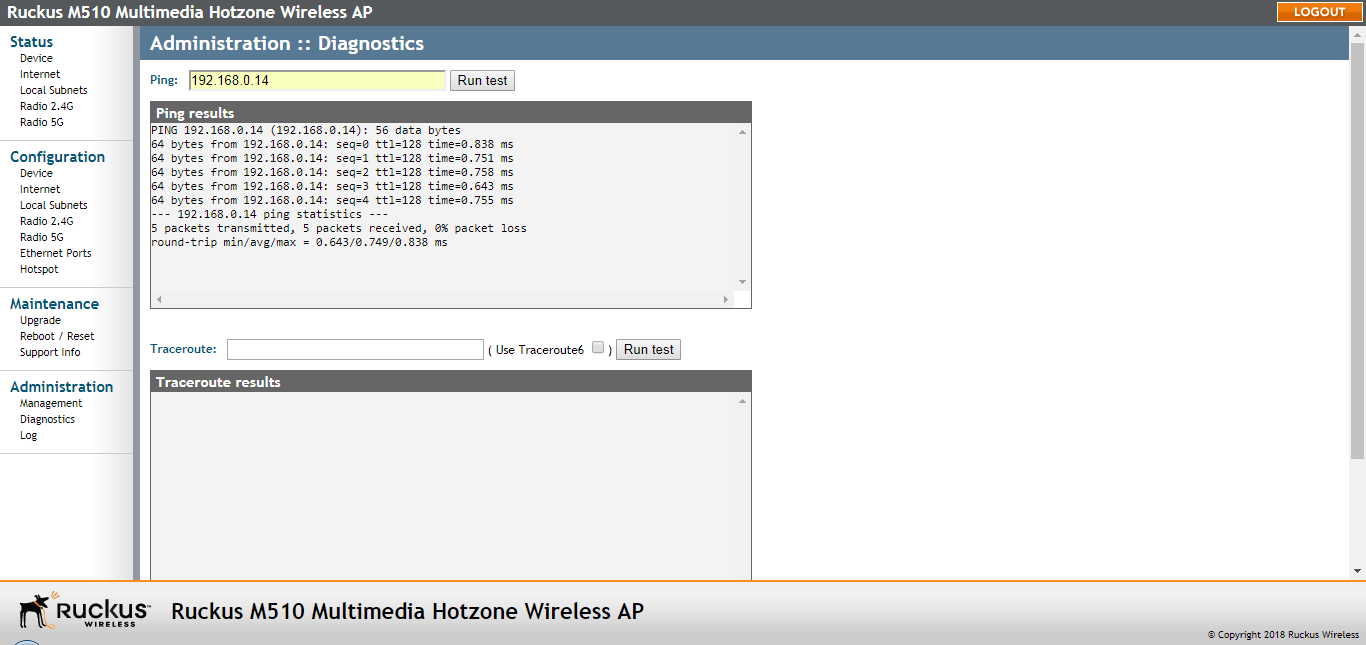
Running Diagnostics
Two network connection diagnostic tools – ping and traceroute – have been built into
the AP to help you check network connections from the web interface.
You are viewing a cached version of this page.
You are currently offline. This page was loaded from cache.
Did you find what you were looking for?