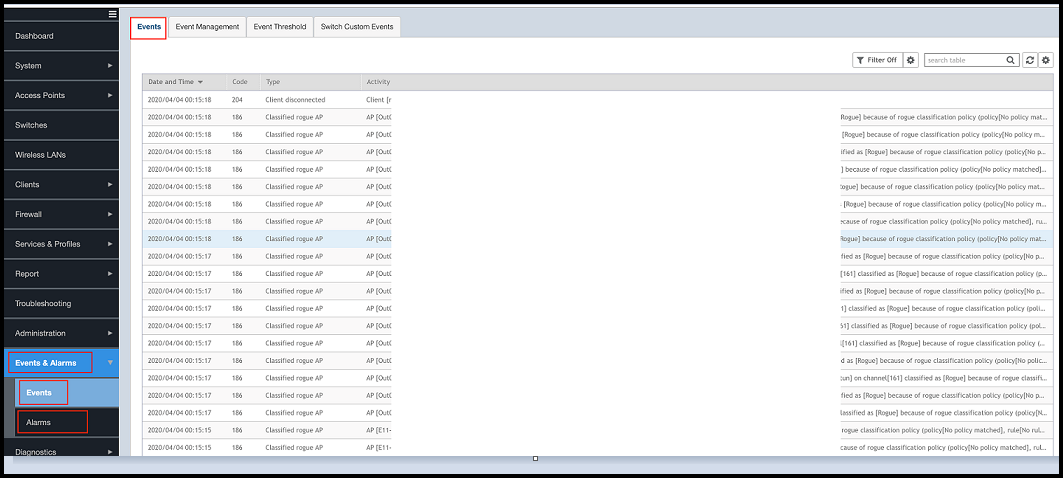
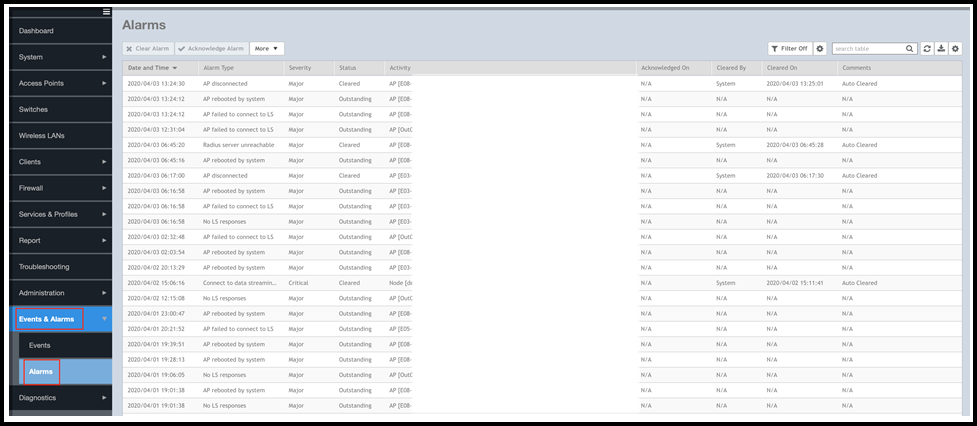
Viewing the Events and Alarms You can view the events and alarms on the controller by perfoming the following steps. In the web interface, navigate to Events and Alarms > Events. Click the Events tab Viewing Events. To view alarms, navigate to Events and Alarms > Alarms. The Alarm page appears. Viewing Alarms Parent topic: Audit Records