Setting the WLAN Scheduler from the CLI
You can configure the WLAN scheduler from the command line interface as well.
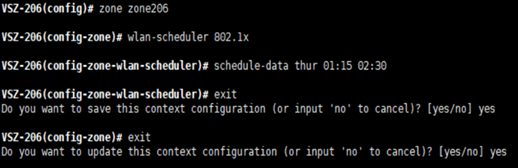
- In the command prompt, go to the configuration issue the commands as shown in the figure.
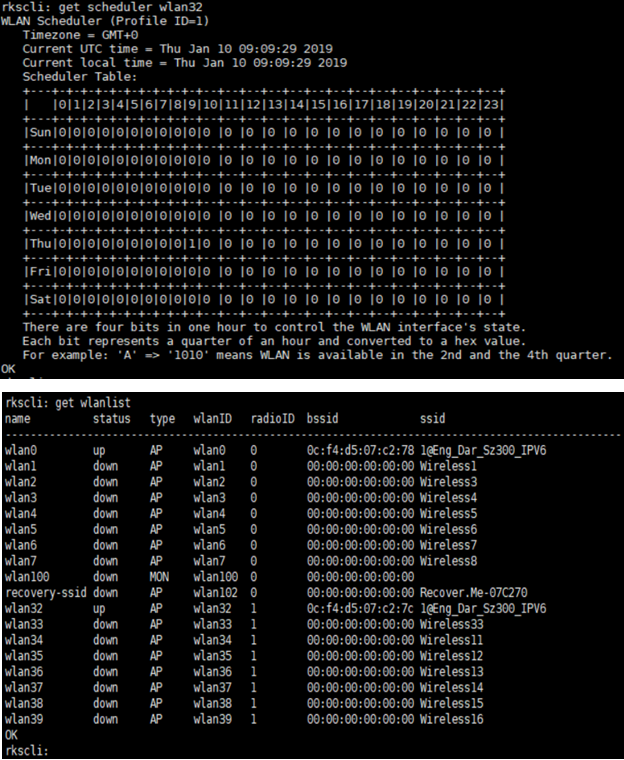
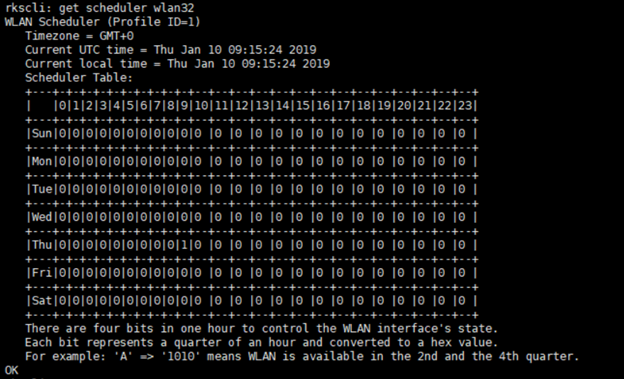
- To verify that the WLAN scheduler is configured, log in to the AP.
- Go to the RKSCLI mode
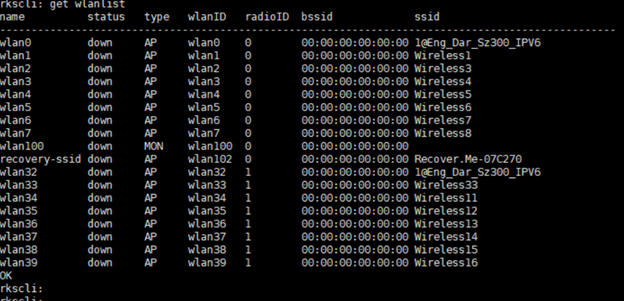
- Use the get wlanlist command to review the status of the WLANs.
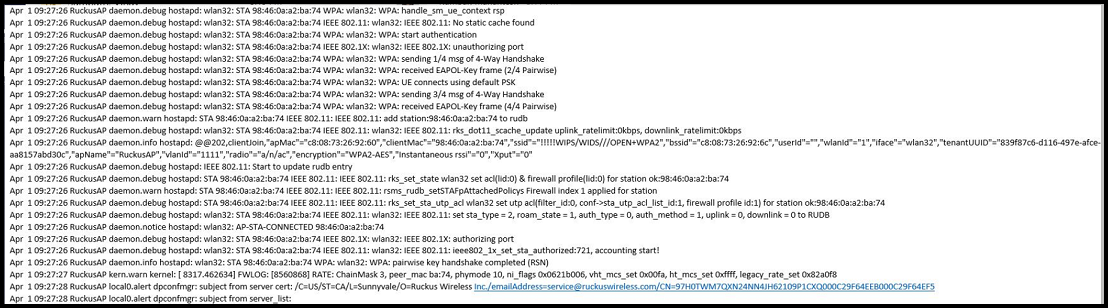
- You can view logs of when the client joins the AP at the scheduled time.