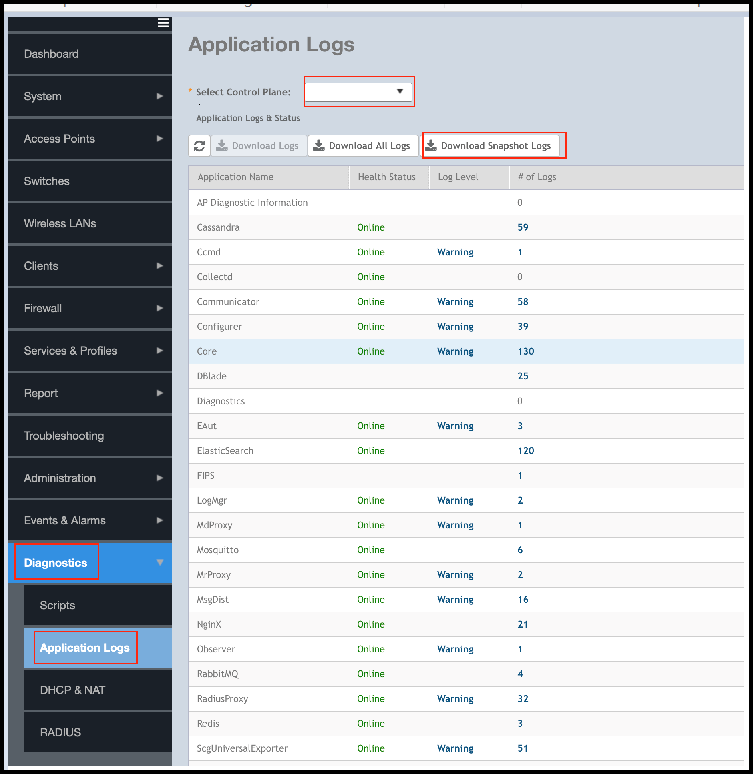
Downloading the Logs from the Controller You can download the logs from the controller by performing the following. In the web interface, navigate to Diagnostics > Application Logs. Downloading the Logs form the Controller The Application log page appears. In the Select Control Plane field, select the control plane form the drop-down list. Click Download Snapshot Logs and save it. Parent topic: Audit Records