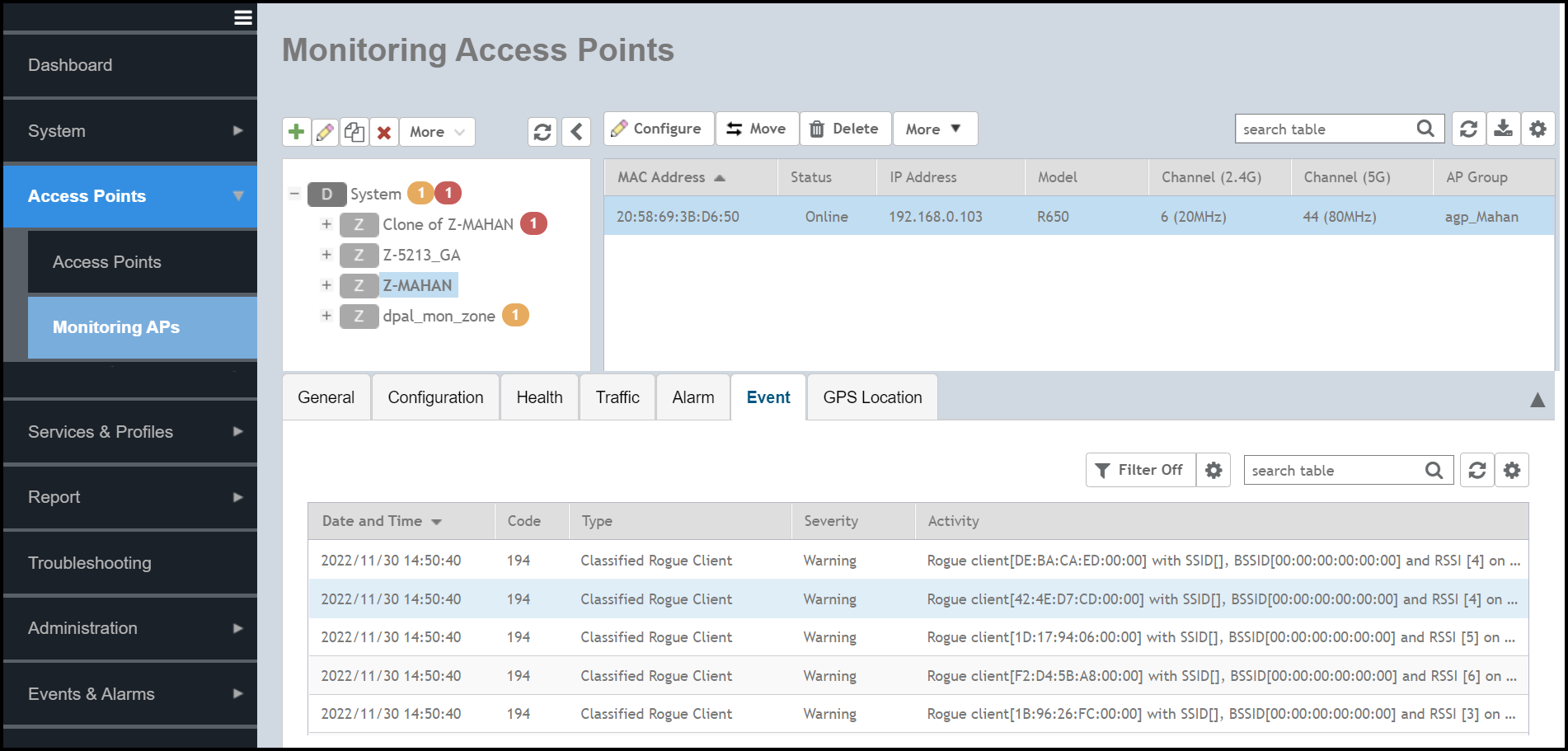
Audit/Event Alert
After the successful detection of rogue
devices, alerts are generated and reported to SmartZone controller. These alerts can
be
viewed by an Administrator.
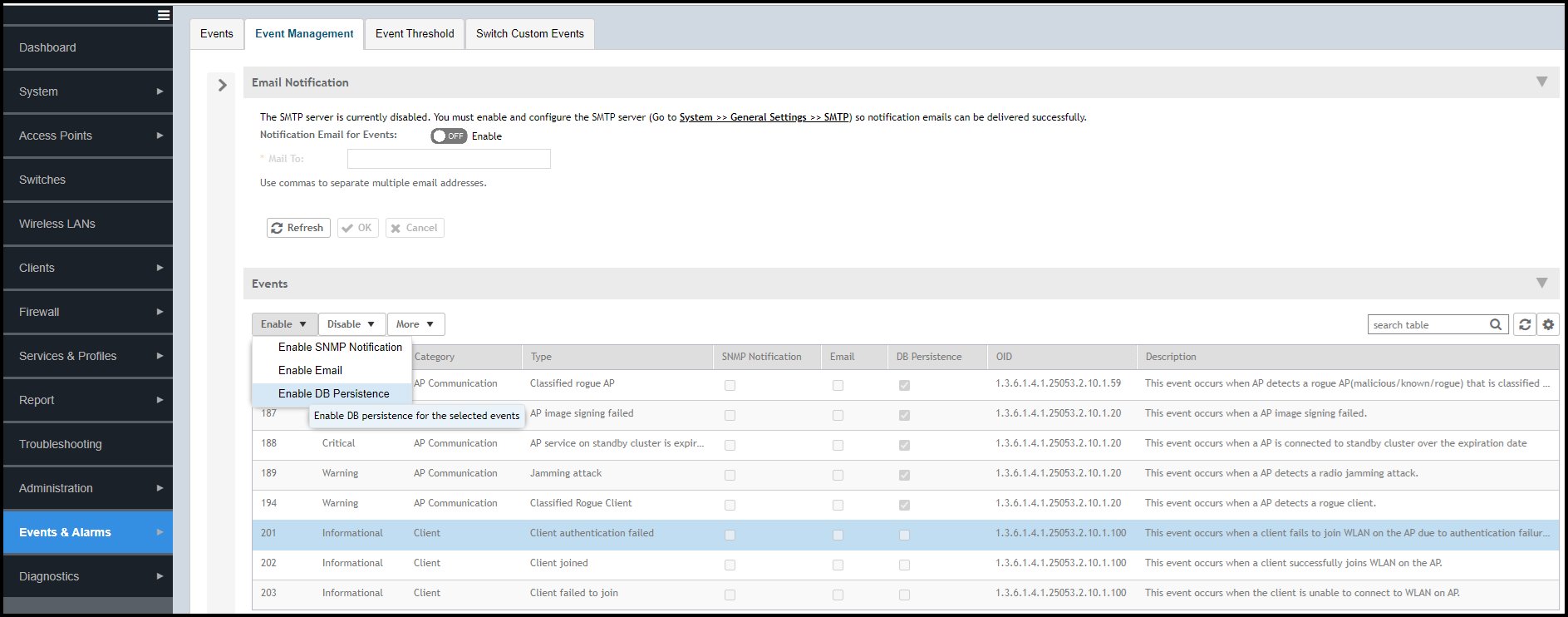
System level Audit/Event Alert
To generate system level audit/event alerts, in the home page, navigate to Event & Alarms. Select Events. This displays the list of events available in the system.
Zone Level Audit/Event Alert
- In the home page, navigate to Access Points. Select Monitoring APs and select any specific Zone. This displays the list of Access Points available in that particular zone.
- Select the Access Point
and click the Event tab. This displays the events and alerts specific to
that access point.
Note: There are 4 types of severity level, Critical, Warning, Major and Info.