Locating a Rogue Device
The administrator can identify the
estimated location area of a rogue AP or rogue client on a map. Managed APs that
detect the
rogue APs and rogue clients are also visible on the map.
- From the left pane, select .
- Under Device Type, select Access Point or Client.
- Click
Locate Rogue.
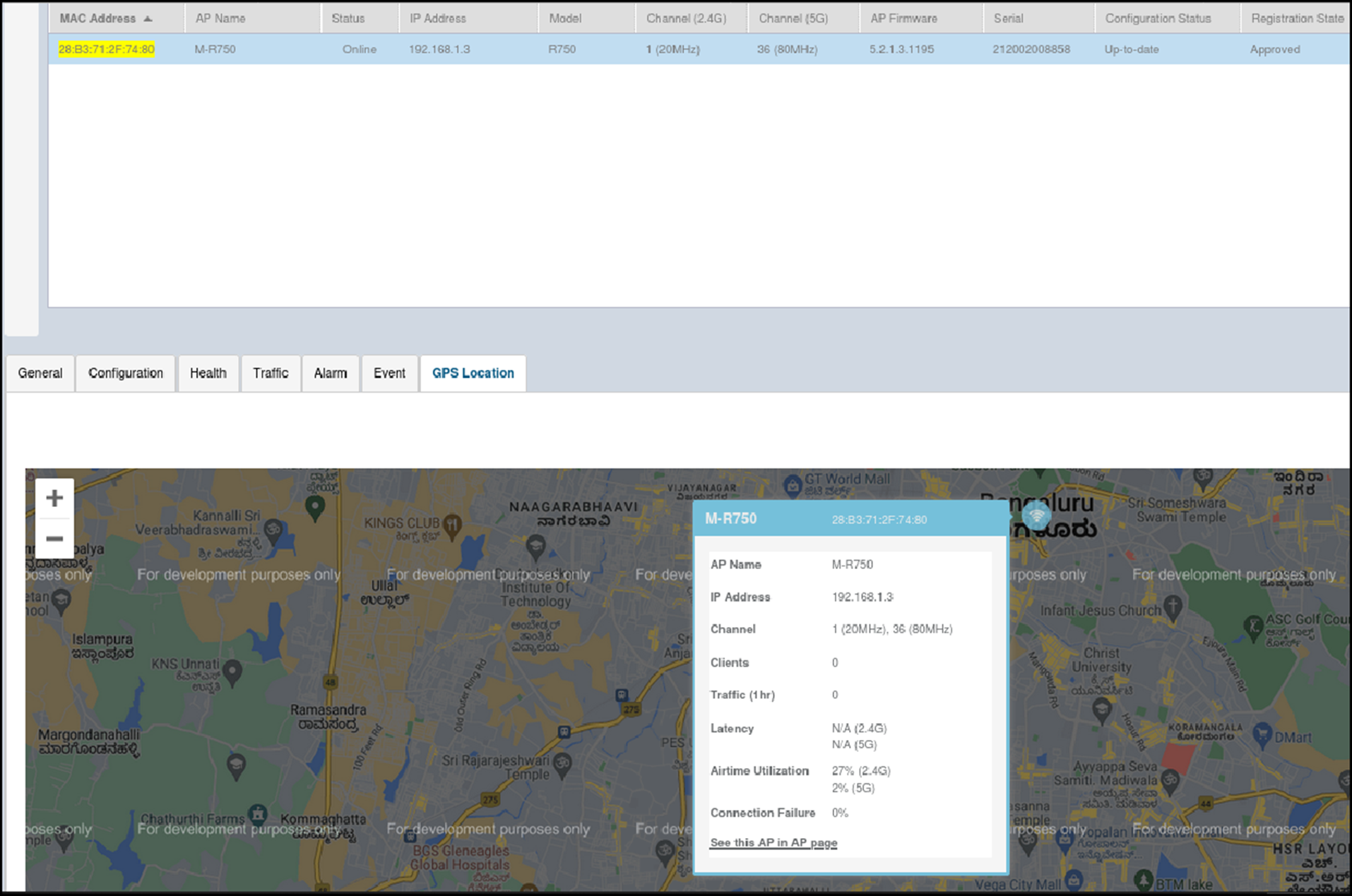
This displays Rogue AP Location page with rogue AP or rogue client. You can select from the following options:
- Map: Displays the monitor APs and rogue AP/UE detected on the floor map that is uploaded.
- Satellite: Displays the location as satellite imagery.
Click + to zoom in and - to zoom out.
You can find the following information about rogue and detected APs:
- Click OK.