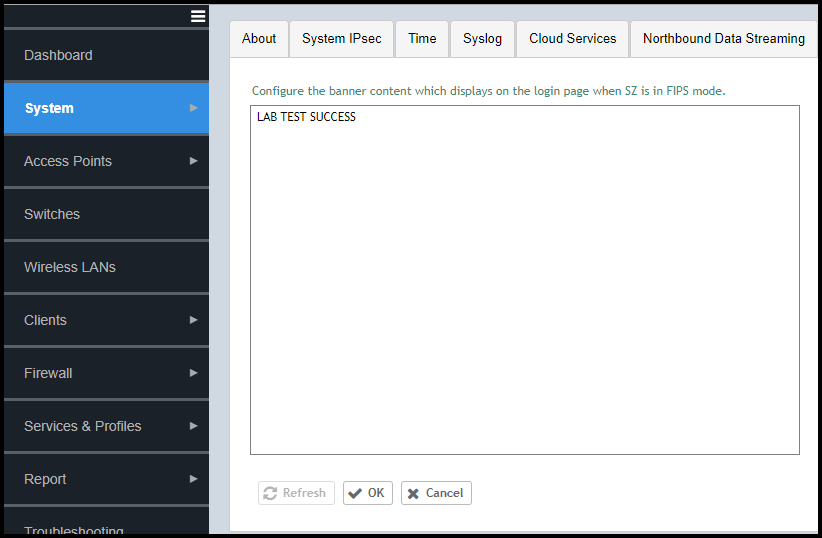
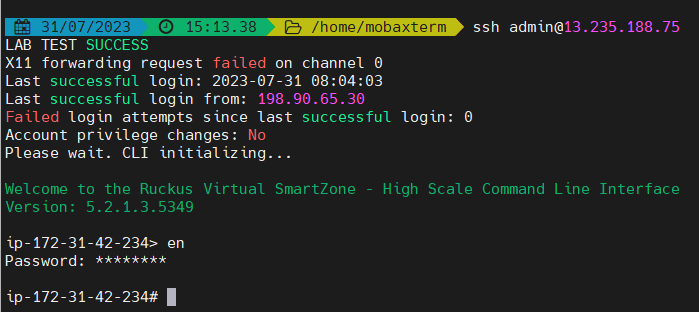
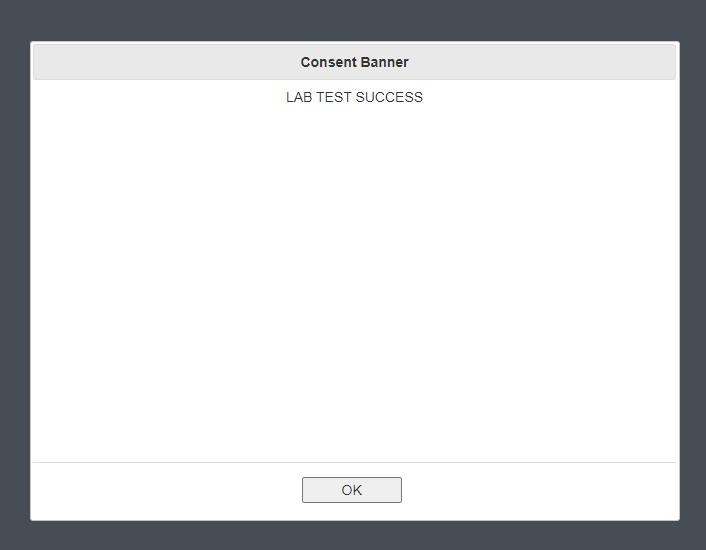
Setting Up the Login Banner
You can customize the message that appears in the login banner of the controller web
interface.
You are viewing a cached version of this page.
You are currently offline. This page was loaded from cache.