Joining AP to (v)SZ Controller
AP can be made to discover the RUCKUS WLAN controller either by using DHCP option 43 or by setting WLAN controller IP address through AP CLI. For setting the WLAN controller IP address through AP CLI perform the following:
- Logon to the AP through AP SSH using username and password as
super and
sp-admin and set the WLAN controller IP address. Follow the command to enable SSH communication
towards WLAN controller.

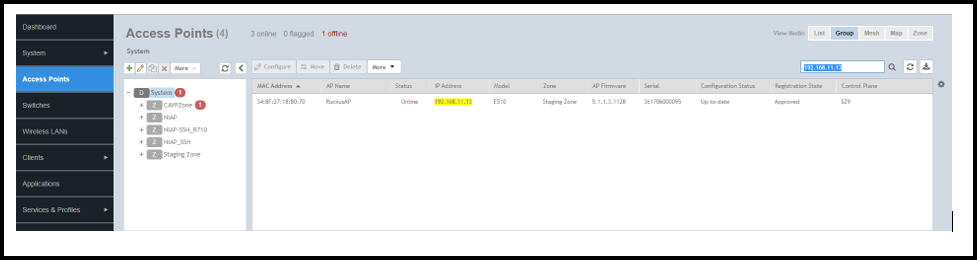
- Logon to the WLAN controller through web interface and navigate to
Access Points.
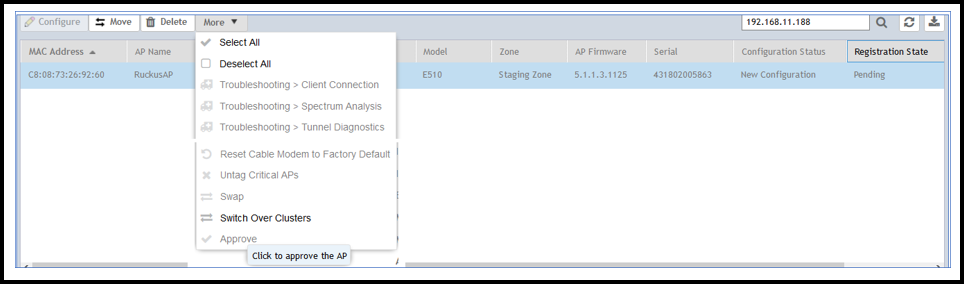
- Select the joined AP and click
to approve the AP.
Once AP is approved, an SSH tunnel will be formed across AP and WLAN controller using public key authentication (without password -based authentication). This SSH tunnel will be utilized for management communication between AP and controller. If the connection is broken it will be resumed/re-attempted without any user intervention.
Note: The SSH connection is established between AP and controller after the registration and without any user intervention. - To remove the AP from the controller, select the joined
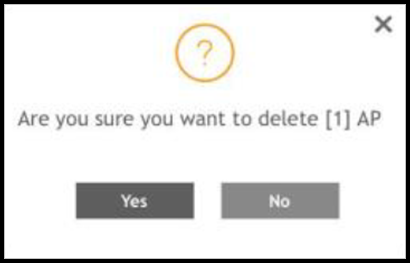
AP and click Delete.
Note: Deleting the AP from the controller prevents all other components from communicating with the AP.