Configuring X.509 Server Certificates on the Controller
You can configure the X.509 server certificates from a controller in a production
environment.
- Select
, and upload the server certificate.
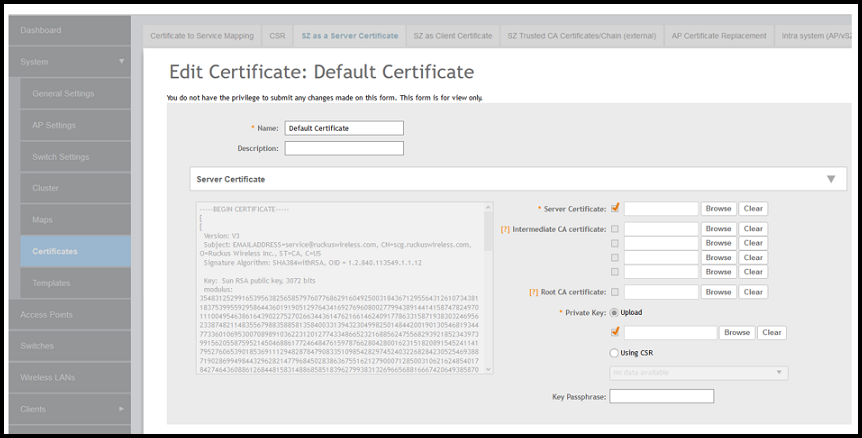
The Edit Certificate page is displayed. Configure the following.
- Server Certificate: Browse and select the certificate.
- Intermediate CA Certificate: Browse and select the certificate. You can select up to four certificates.
- Root CA Certificate: Browse and select the certificate.
- Private Key: Browse and select the key to upload.
- Key Passphrase: Enter the pass phrase.
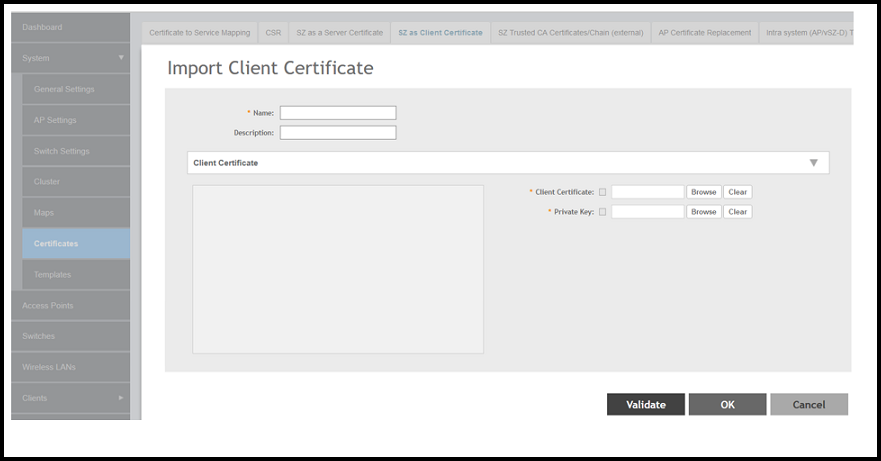
- Select and upload the client certificate.
- Select to validate the server certificates from RadSec/IPSec.
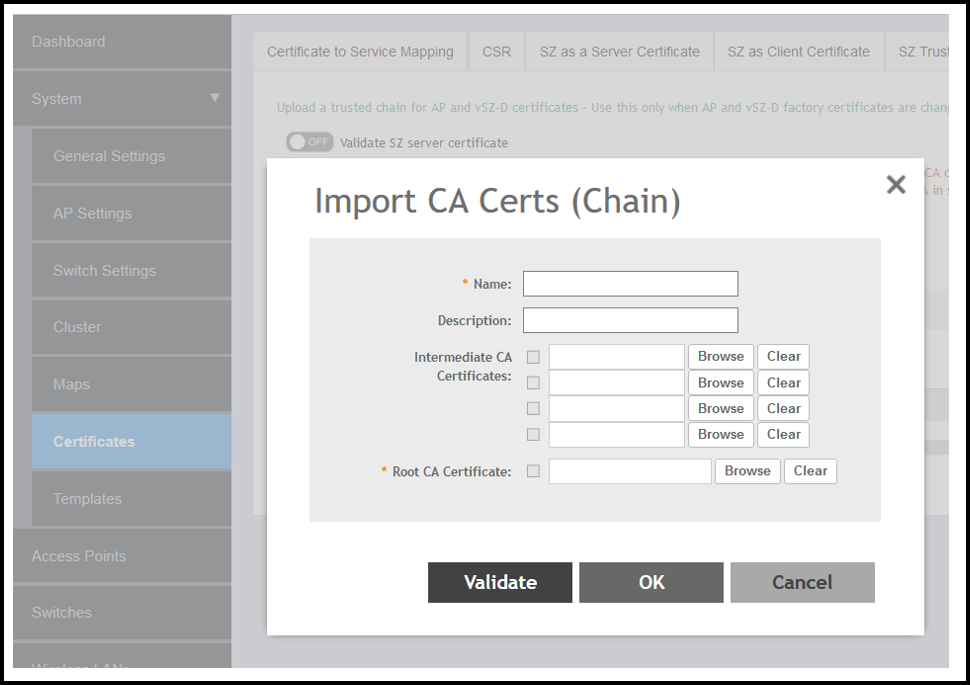
- Under the
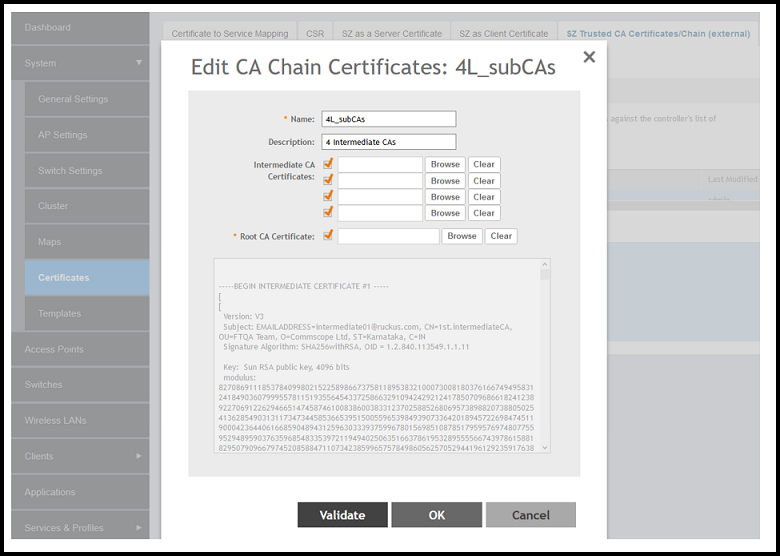
Upload CA and CA-Chain Certificates for internal (AP/vDP) used to puch these certificates AP and vDP for server certificate validation. Configure
the following:
Note: You can select Clear if you want to remove acertificate that you selected.
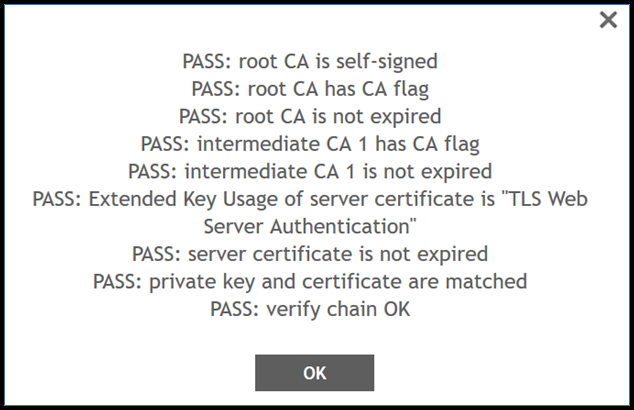
- Click Validate.
- Click OK.