FIPS AP Behavior
By default, FIPS mode on an AP is disabled. The FIPS state is displayed when you log in.
When a FIPS SKU AP joins a FIPS SKU SmartZone controller, it adopts the mode of the controller by default. Therefore, when an AP in FIPS mode joins a controller with a FIPS mode disabled, the FIPS mode in the AP is also disabled, and vice versa. If the AP and controller are running the same mode, then the AP mode remains unchanged. This implies that only a FIPS SKU AP can join FIPS SKU controller.
A FIPS SKU AP with FIPS mode disabled must be manually approved in the SmartZone interface whether auto-approval is enabled or disabled on SmartZone.
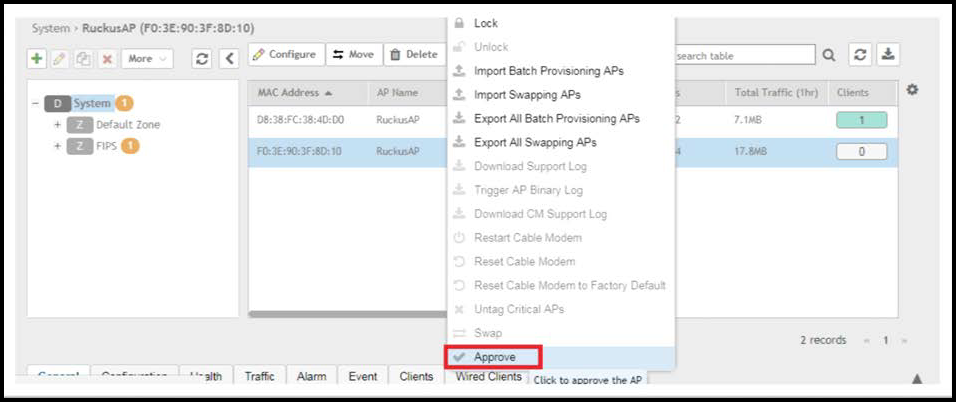
FIPS AP with FIPS mode enabled is registered with SmartZone without any approval and is displayed in the default or staging zone
Any non-FIPS AP is not able to join a FIPS-enabled SmartZone interface. A non-FIPS AP is not displayed in the default or staging zone.
Note: For Commercial Solutions for Classified Program (CSfC) compliance, run the following
command to disable AP-to-AP communication and 802.11r on the AP or
rclient -d <ap-mac> -c "set ap2ap_dormant 1"
on the controller.
Ensure that 802.11r is disabled at each WLAN configuration if you disable AP-to-AP communication.