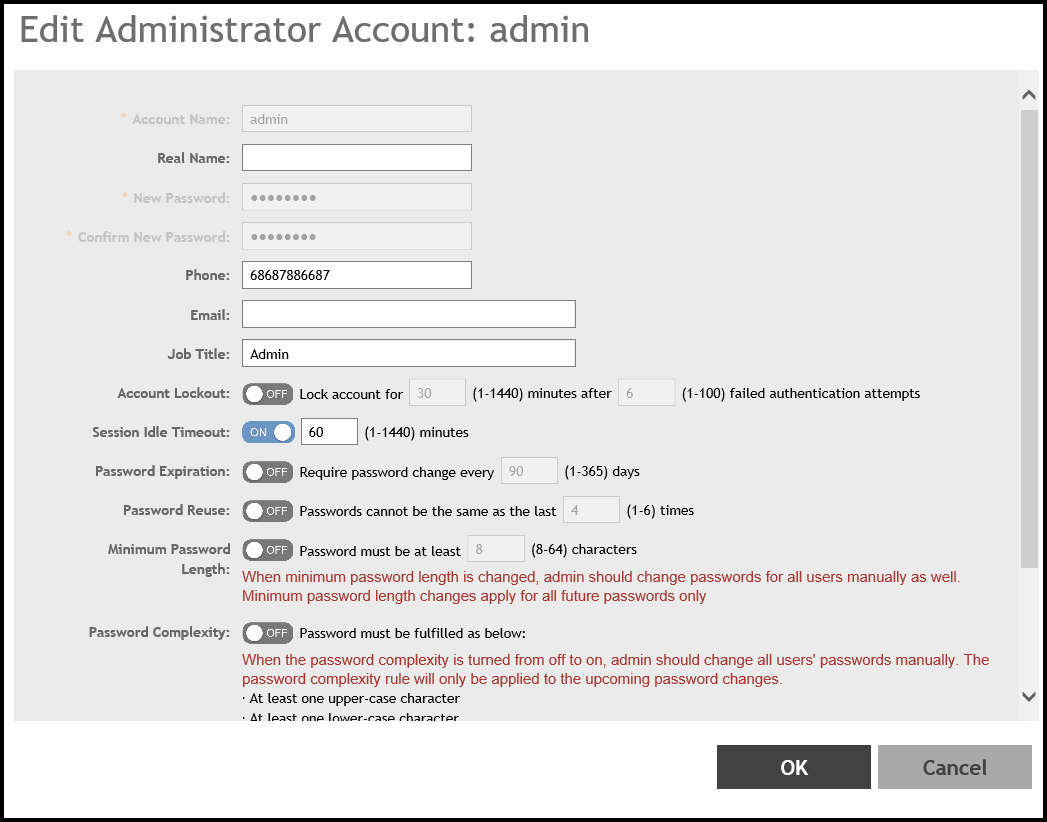
Locking an Administrator Account
You can configure administrator accounts to be forcefully locked when there are repeated
attempts to access the account by unauthorized users. This is typically applicable
in situations when the user name entered is correct but password is wrong. You can
configure the number of unsuccessful attempts that users can try to login to the account,
after which the account will be locked.
- From the controller web interface, go to .
- Select the administrator account and click Configure.
- Enable
Account Lockout and configure the account lockout time and the number of failed authentication attempts.
A user is locked out for the account lockout time after the configured number of failed
login attempts.
Note: The administrator must wait until the lockout period expires.
- Click OK. The Password Confirmation screen appears.
- Click OK.