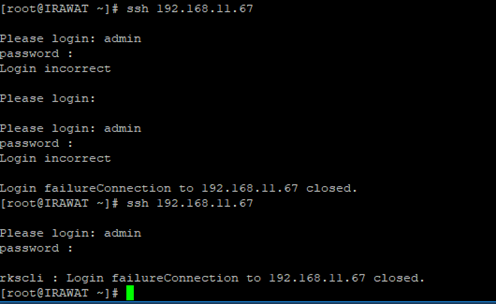
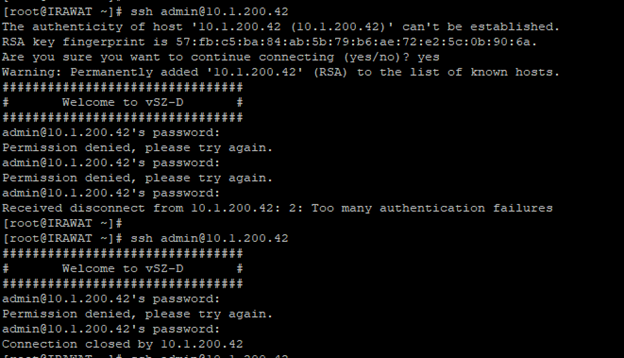
Locking Non-Administrator Accounts
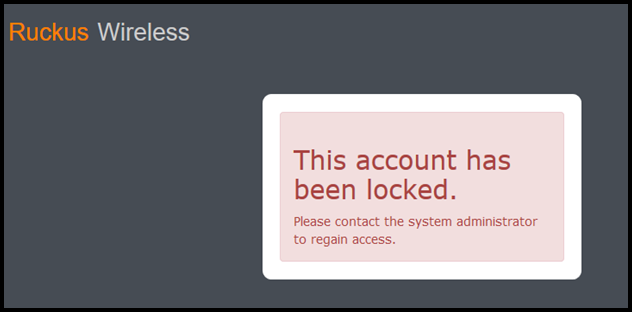
You can configure non-administrator accounts to be forcefully locked when there are
repeated attempts to access the account by unauthorized users. For this, you must
create a non-admin user account, security profile, and user group mapping the account
and profile.
- From the controller web interface, select .
- Click Configure.
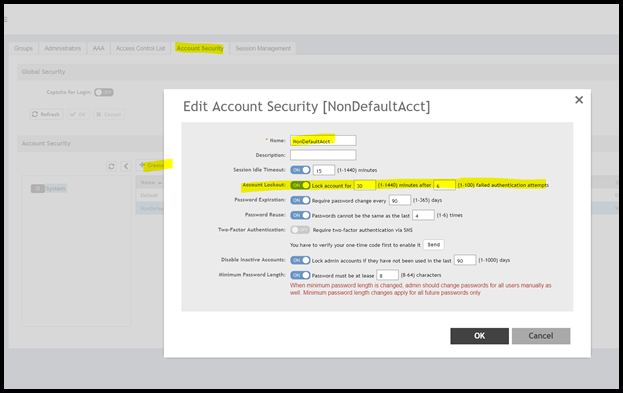
- Click ON to enable Account Lockout and enter the account lockout time and number of failed authentication attempts.
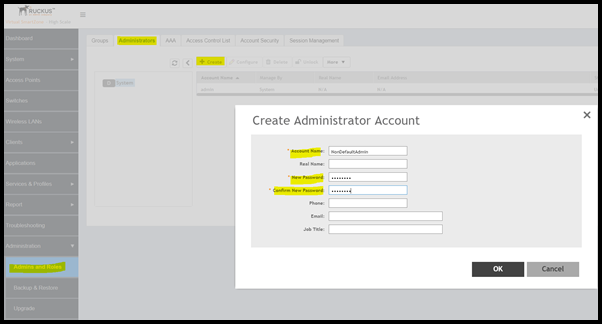
- Select to create a non-administrator user account.
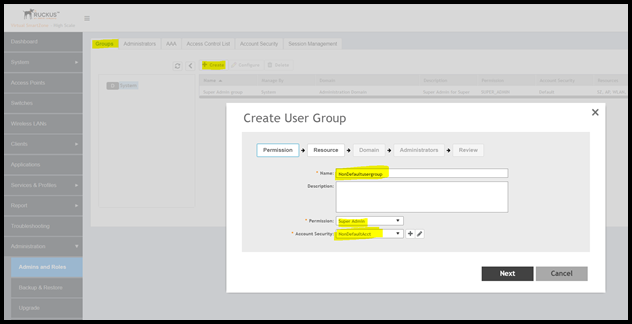
- Select to create the user group to map the non administrator user to the security profile