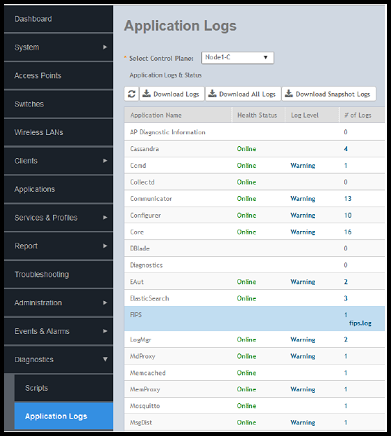
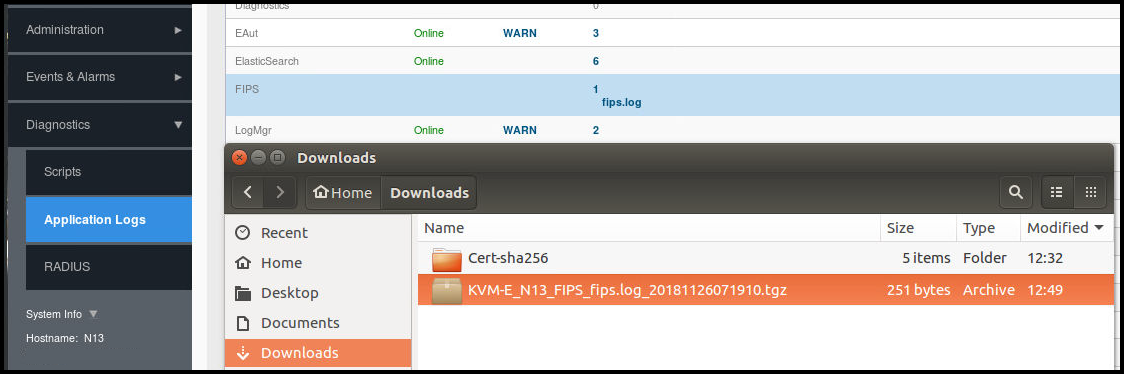
Viewing and Downloading FIPS Logs Only the CO (admin) can view and download FIPS logs from the web interface. In the web interface, navigate to Diagnostics > Application Logs > FIPS to download the logs to the local machine. Using the Web Interface to Download FIPS Logs The downloaded log file is compressed as a .zip file. Downloaded FIPS Logs Parent topic: Controller Configuration with FIPS Image