Creating an AP MAC OUI Address

You must enable the AP MAC OUI validation for an AP with a specific organizationally unique identifier (OUI) to be allowed to connect to SZ. If the AP that is not in the OUI list connects to the SZ, then the AP is rejected and event code 186 is generated.
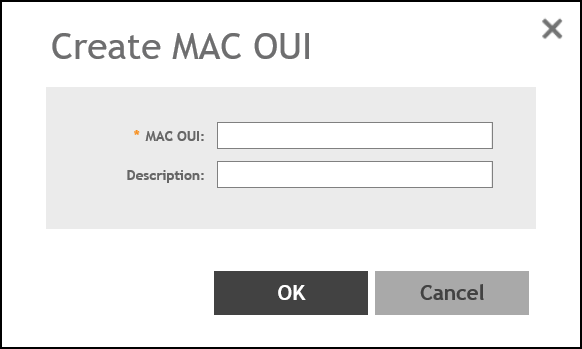
Perform the following procedure to create the MAC OUI address for an AP.
  1. Select System > AP Settings > AP MAC OUI Validation.
  2. Select Enable AP MAC OUI Validation.
  3. Click Create to create the MAC OUI settings for an AP.

    Creating an AP MAC OUI Address

  4. Enter the MAC OUI.
  5. Click OK.