Viewing Switch from the Controller
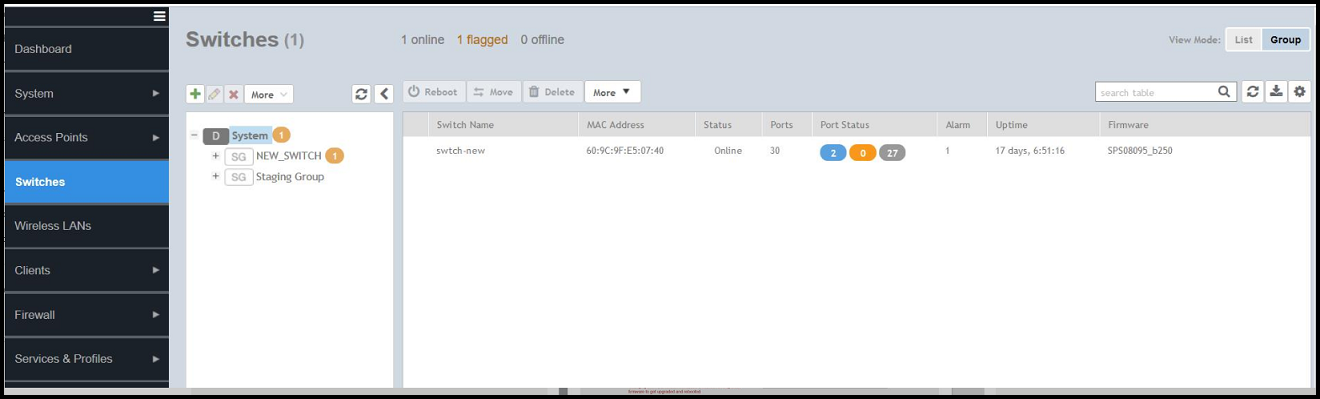
After the switch is connected to the
FIPS enabled controller, you can view it from the controller web user interface
.
You are viewing a cached version of this page.
You are currently offline. This page was loaded from cache.
You must perform the following steps to view the switche on the controller.
Did you find what you were looking for?