Terminating Administrator Sessions
From the
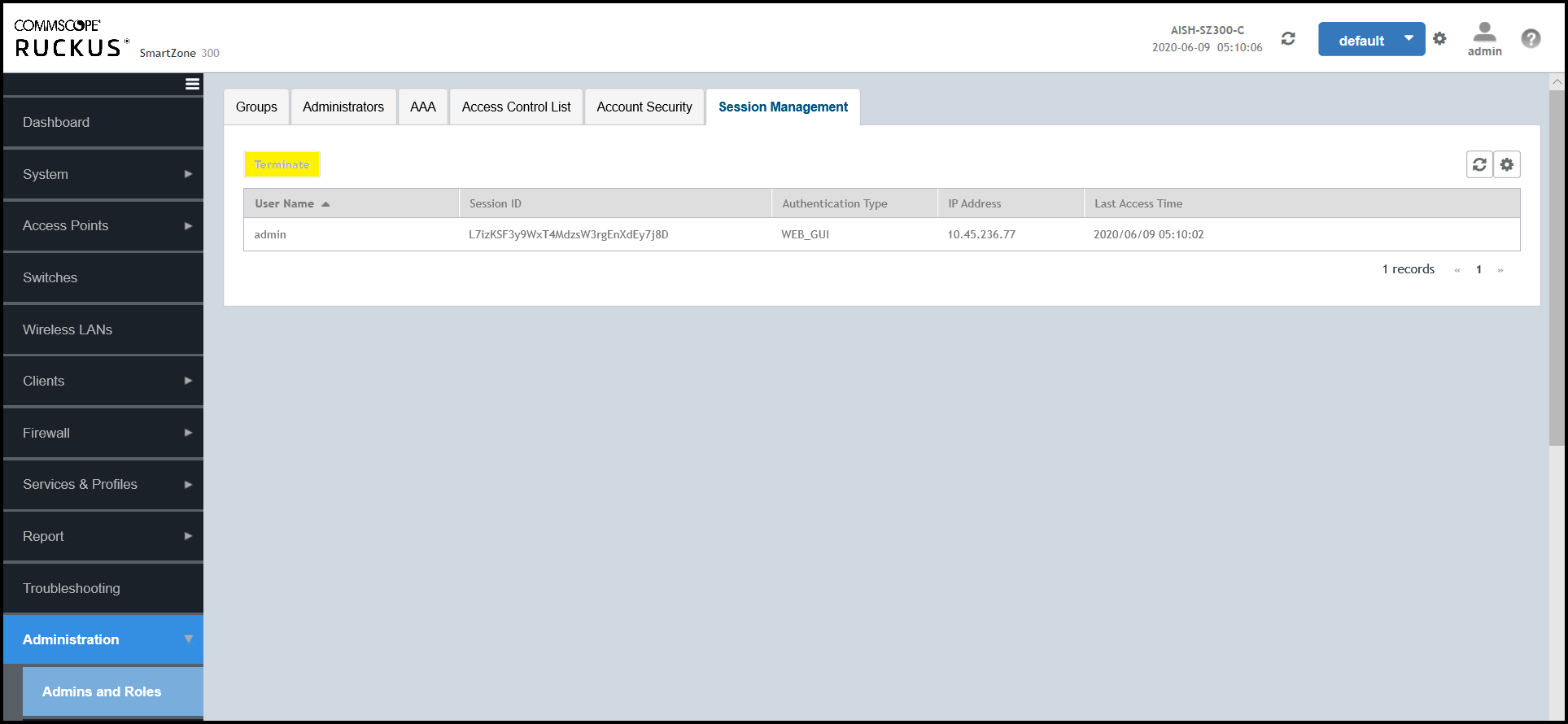
Session Management tab, you can view and also terminate the Administrator sessions that are currently
running.
- From the controller web interface, select
- Select the administrator session you want to discontinue and click
Terminate.
The Password Confirmation page displays.
- Enter the password and click OK. The session ends.
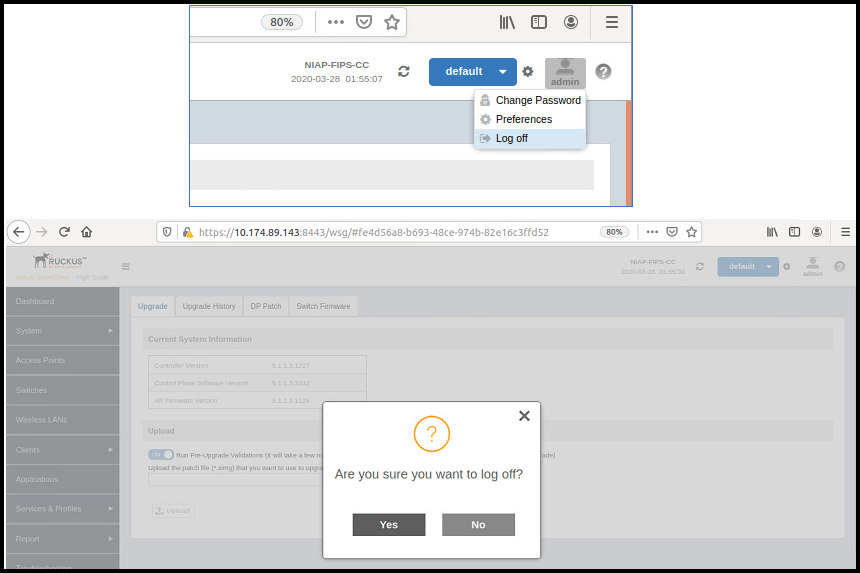
- Click the Admin icon in the upper right corner and select log off from the drop-down list.
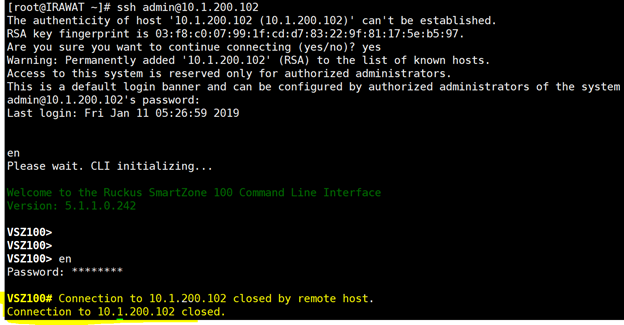
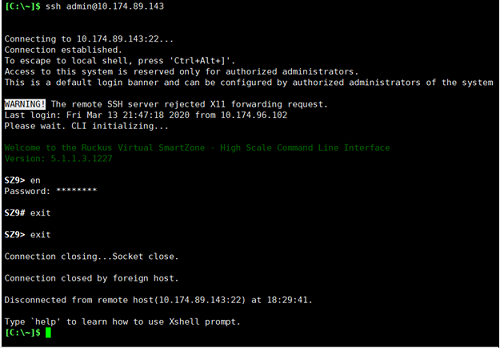
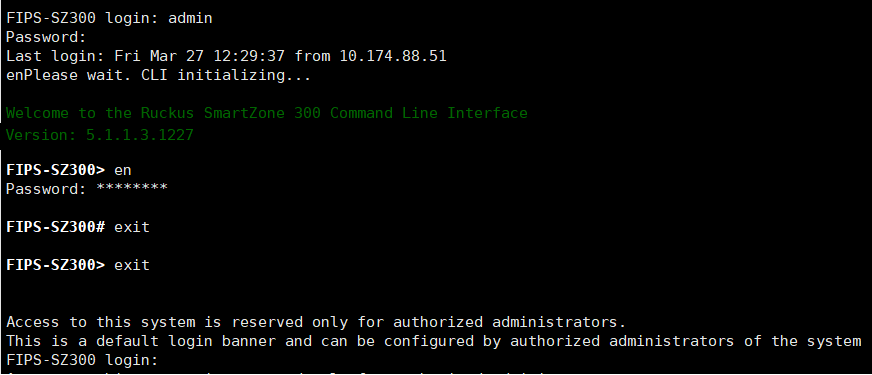
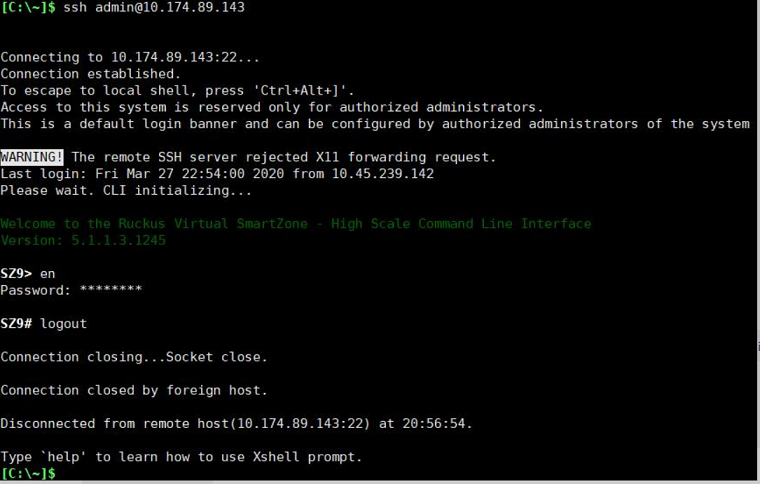
- You can also logout by typing "exit" command in the SSH session.
- You can also logout by typing " exit" command at the console prompt.
- You can also logout by typing "logout" at the CLI prompt