Creating and Registering the Virtual Machine
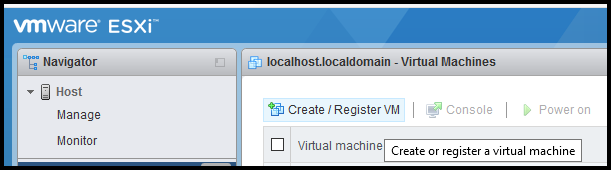
- Install and deploy the .ova file on VMware ESXi using the Create/Register VM option, as shown in the following figure.
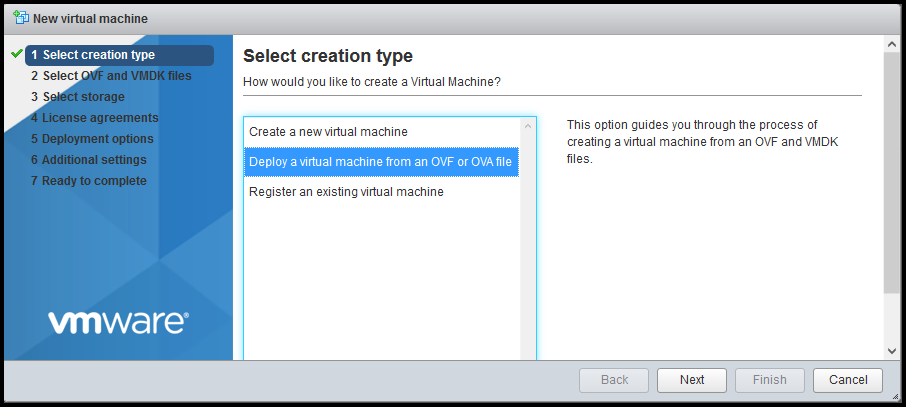
- Select Deploy a virtual machine from an OVF or OVA file.
- Click Next to select the OVF and VMDK files.
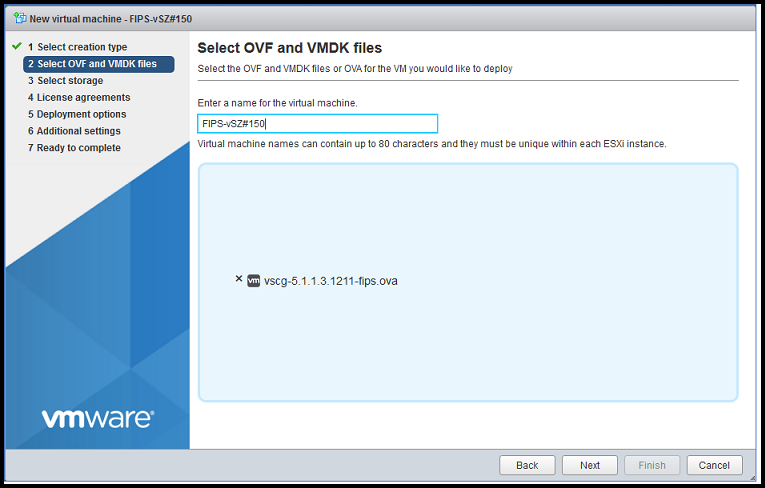
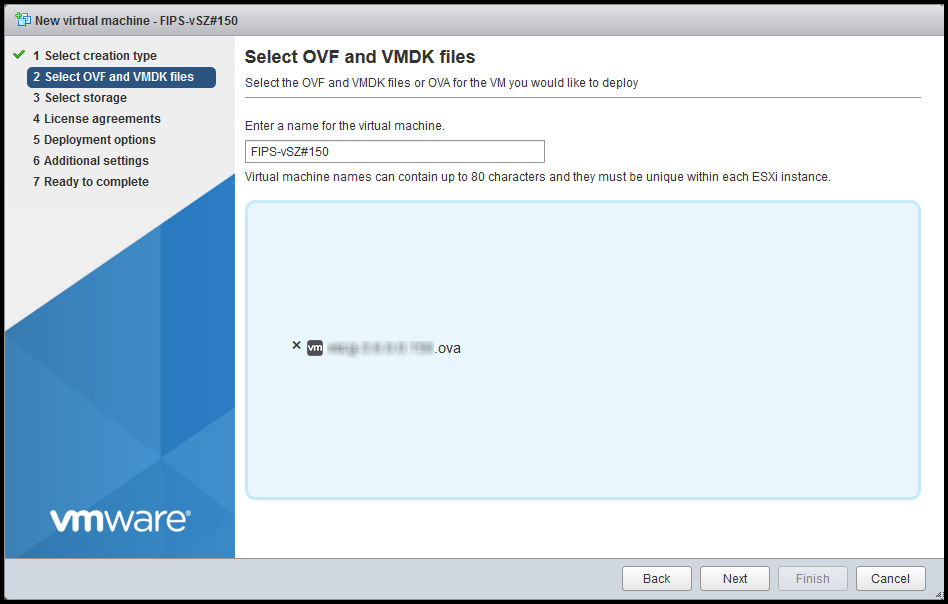
- Enter the name of the VM and click the name of the OVF and VDMK file, as shown in the following figure.
- Select the .ova file from the browse window. The selected file is displayed in Select OVF and VMDK files screen
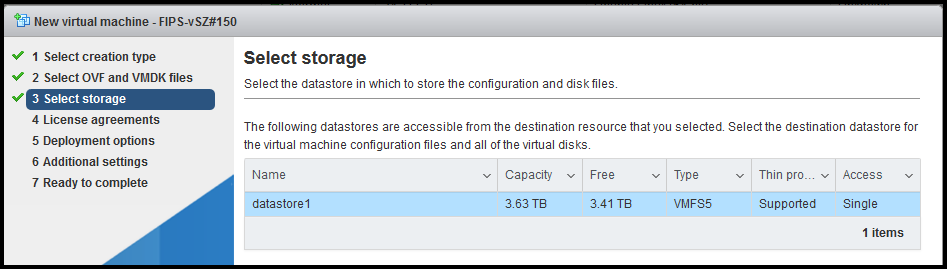
- Click Next to Select storage.
- Select the required datastore.
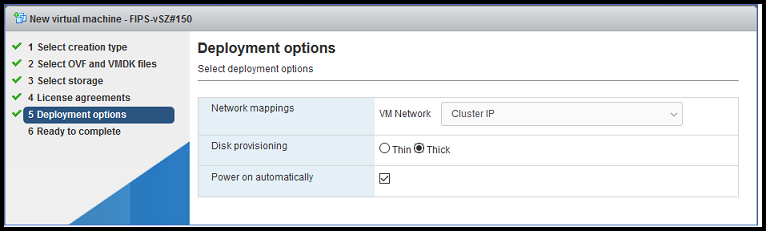
- Click Next to select deployment options.
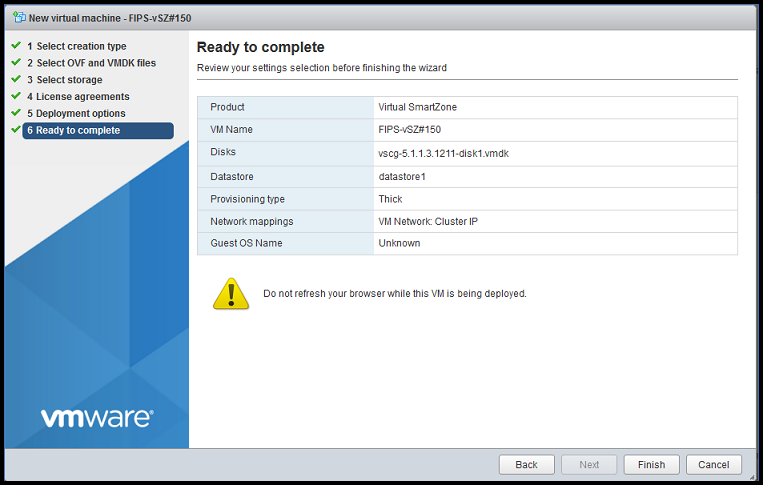
- Click Next to review your settings.
- Click Finish to complete the creation and registration of the virtual machine. The installation process shows the progress and displays the successfully completed tasks.