Using FIPS CLI Commands (vSZ-D)
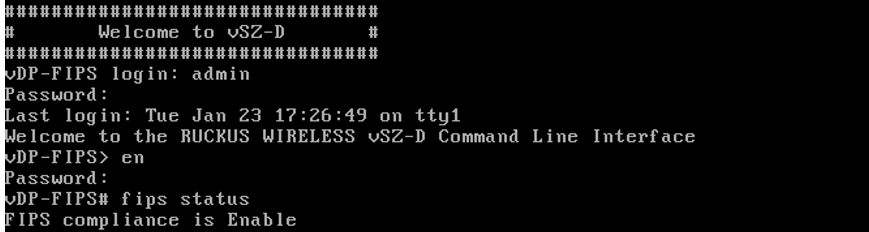
- Open a console window to log in to the vSZ-D CLI.
- At the login prompt, log in using "administrator" as the username and password.
- At the
> prompt, enter the
enable(en) command and the admin password. - Enter
fips statusto verify whether FIPS mode is enabled or disabled. - Enter
fips ?at the command prompt to display a list of available FIPS commands as shown. - Enter
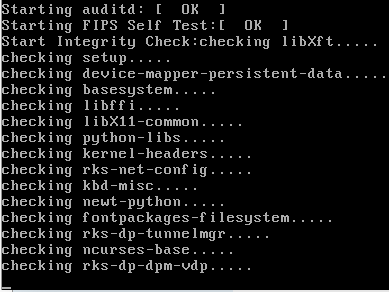
fips selftestto view and run the crypto module test for readiness. - Enter
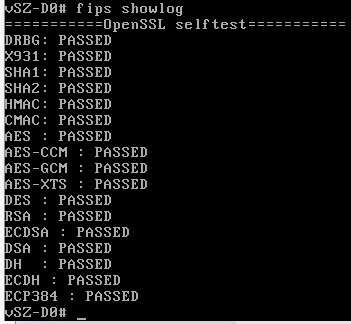
fips showlogto display the results of an on-demand test of FIPS crypto modules. - Enter
fips zeroizationto delete or overwrite all system configuration, network configuration, private and public keys, certificates, passwords, pass phrases, and data. Enter Y to confirm the command or N to cancel the command. After the configuration and data are deleted, the zeroization process resets the vSZ to factory settings.