Uploading X.509 Certificates on AP
Note: It is not recomended to upload the certificates through AP CLI.
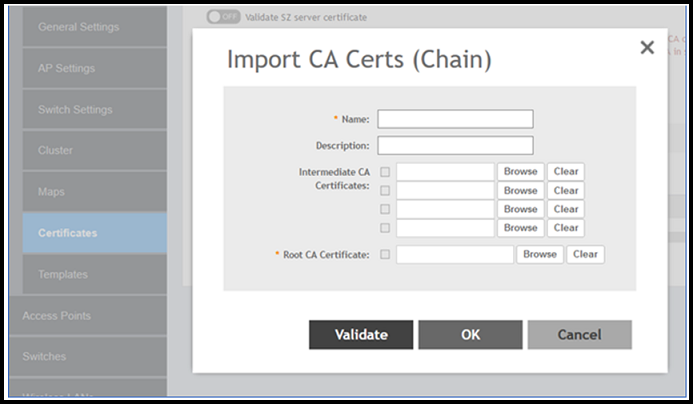
- Click to upload the CA/CA-chain certificates to the controller.
- Click Validate.
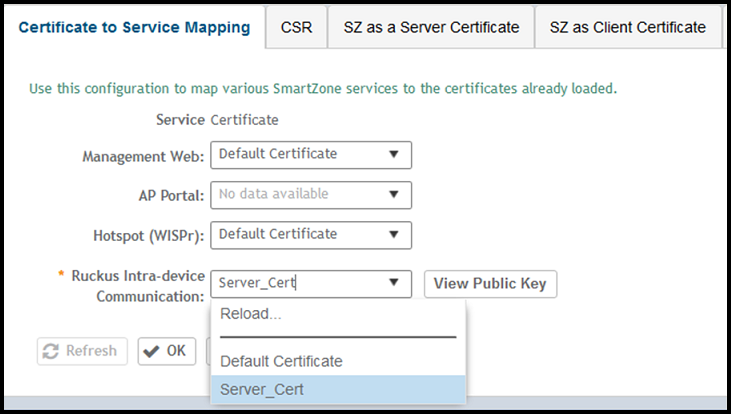
- Select , and map the service certificate for AP-to-controller and & AP-to-dataplane communication by selecting the service certificate from the Ruckus Intra-device Communication list
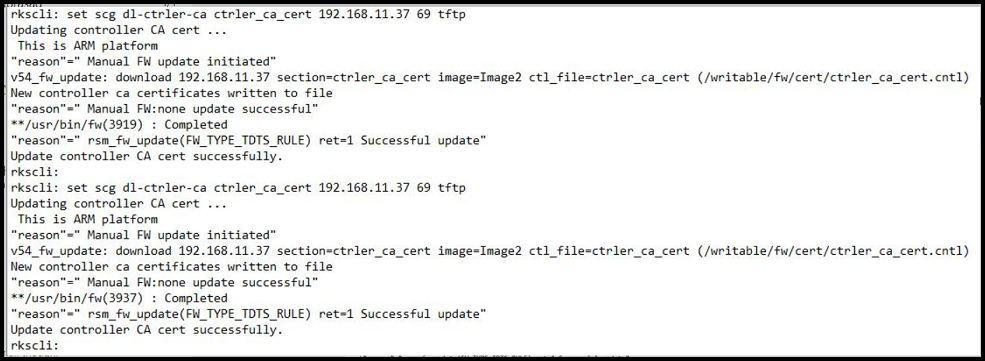
- You can also upload certificate through CLI .