Configuring the Switches to Connect to Controller
The
FIPS 5.2.1.3 release allows the switches to join the FIPS enabled vSZ controller,
and the
hardware platforms. To establish this connection you must ensure that the port 987
on the
controller must be opened for the switch to register.
- Telnet to switch
- Enter the below command to access the configure terminal mode.
- Enter
sz disableto disable the controller. - Enter
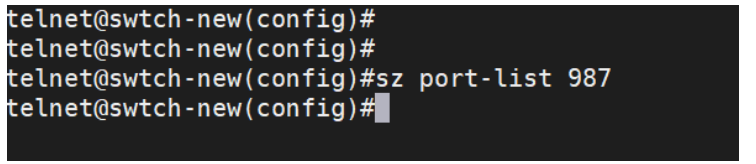
sz port-list 987to open the port 987. - Enter
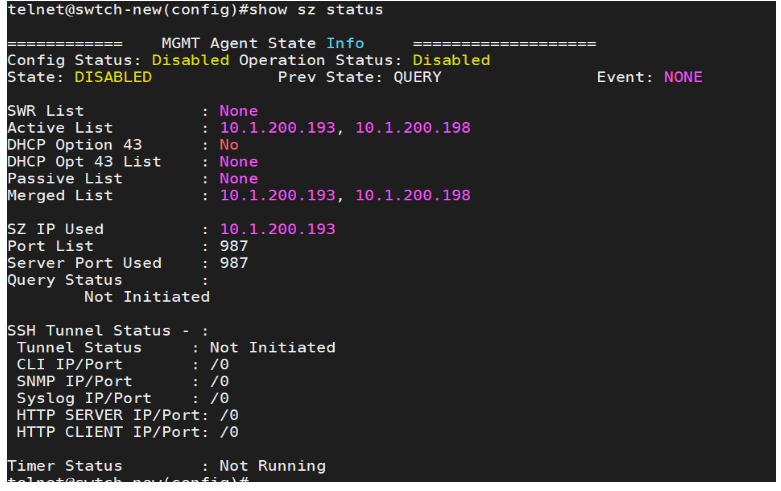
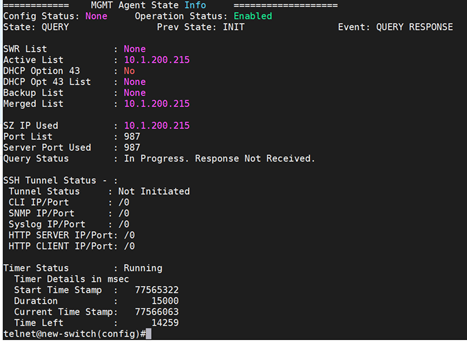
show sz statusto confirm if the value for the Port list and the Server Port used is 987. - Remove the current SmartZone
active list by executing the command
no sz active-list 10.1.200.193 10.1.200.198 - Execute the command
sz active -list 10.1.200.215where IP adress is the IP address of the controller.
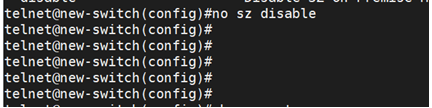
- Execute
no sz disableto enable SmartZone discovery for switch. - Show
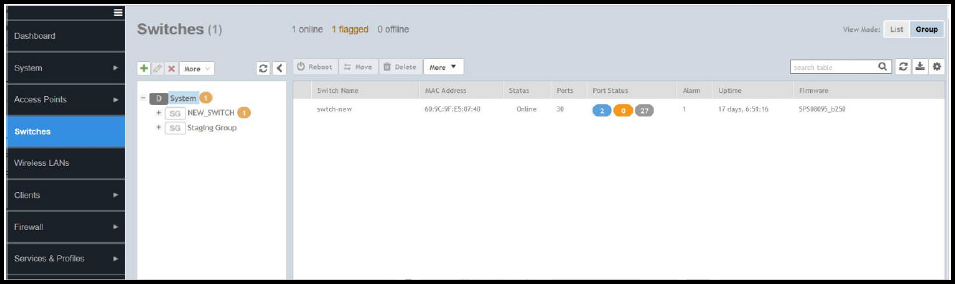
show sz statusto view the current connection status of switch and SmartZone. - Switch will come under staging group in offline state.
- Click

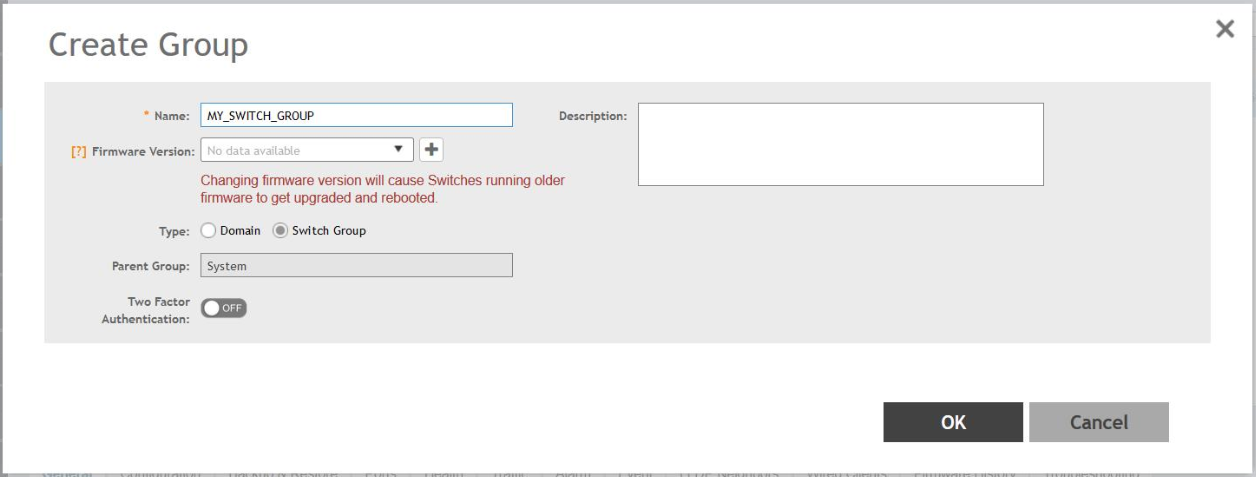
- Configure the following.
- Name: Type the name of the switch group that you want to create.
- Description: Enter a brief description for the switch group
- Type: Select Switch Group
- Parent Group: Displays the parent group under which the switch group resides
- Two Factor Authorization: Disables the SSH and tenet connection for the switch.
- Click OK.The switch group is created under the selected parent group.
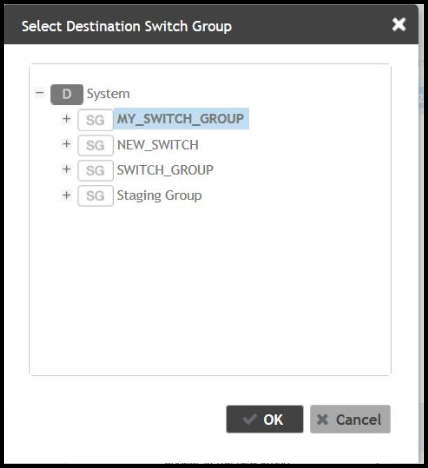
- Select the switch in the staging group, and click the Move tab.
- Click OK.
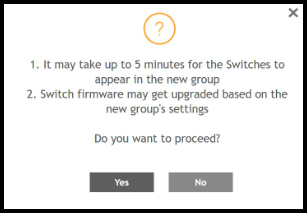
- Click Yes to add the
switch to the newly created group.