Deleting Switch from the Controller
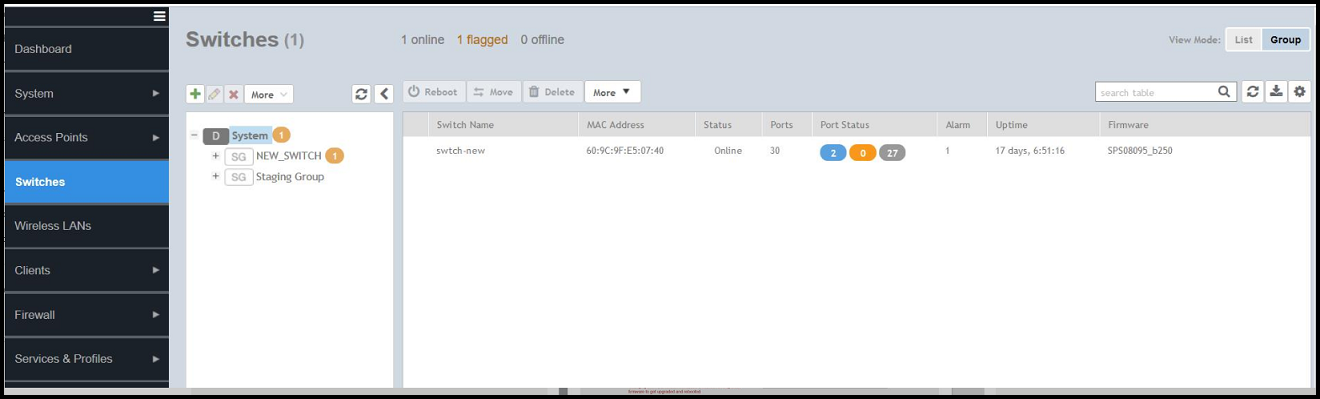
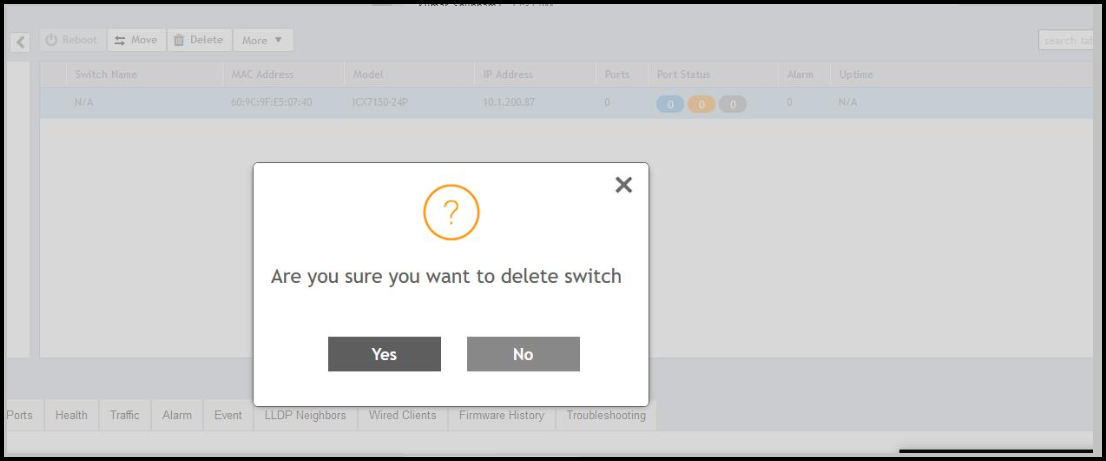
You can delete the switch when the ICX
service is no longer needed by the controller.
You are viewing a cached version of this page.
You are currently offline. This page was loaded from cache.
Did you find what you were looking for?