AP Features Not Supported in FIPS Mode
The following AP features are not supported in FIPS mode:
Recovery SSID
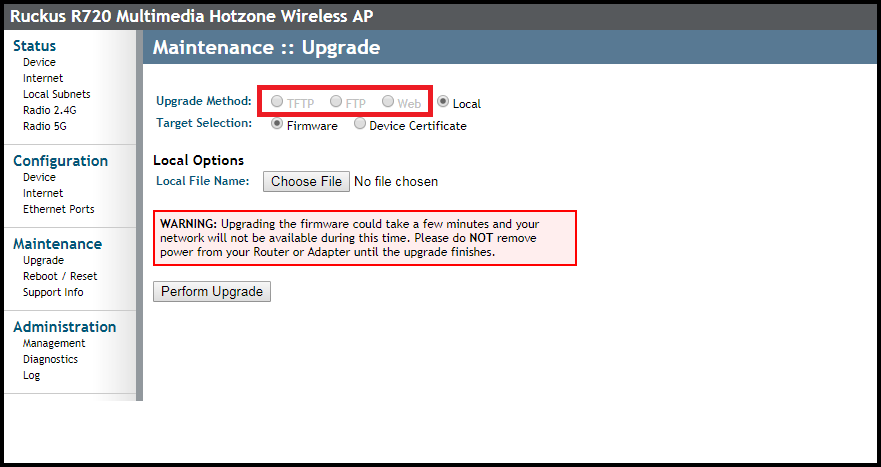
Firmware upgrade options such as FTP, TFTP, and the web
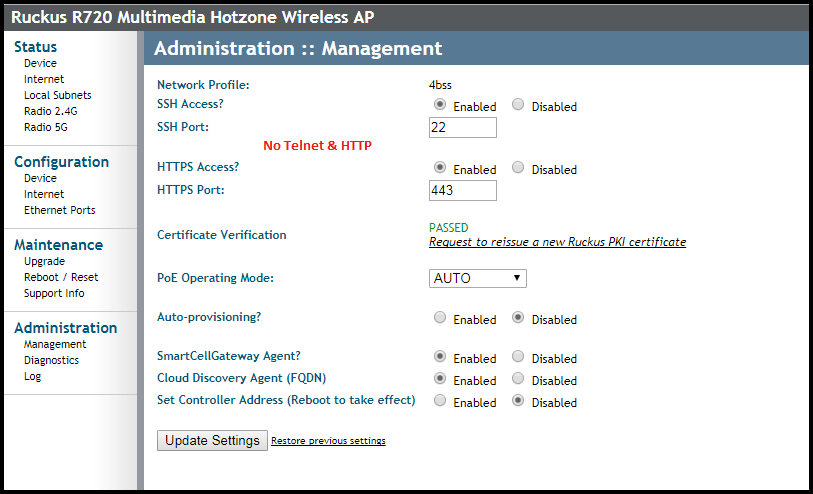
Telnet and HTTP management access
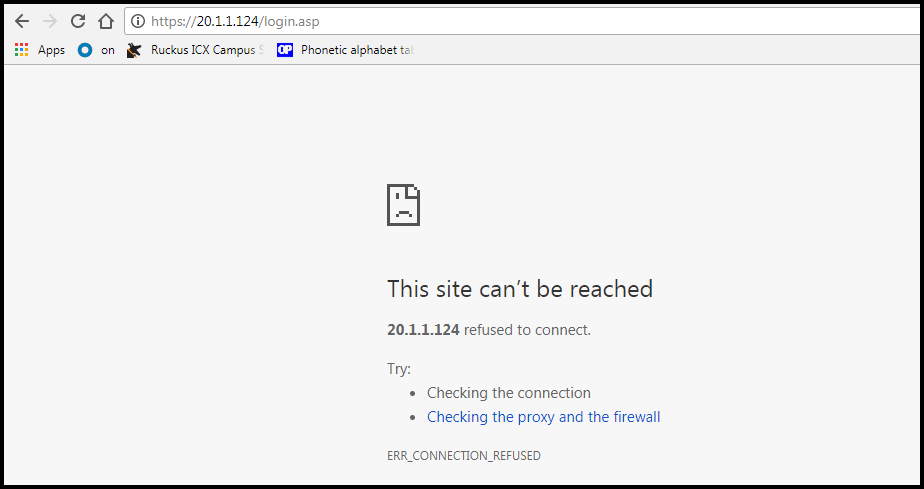
Web interface access using HTTPS to the AP, once the AP has successfully joined SmartZone
SNMPv1 and SNMPv2c (Only SNMPv3 is supported in FIPS mode.)
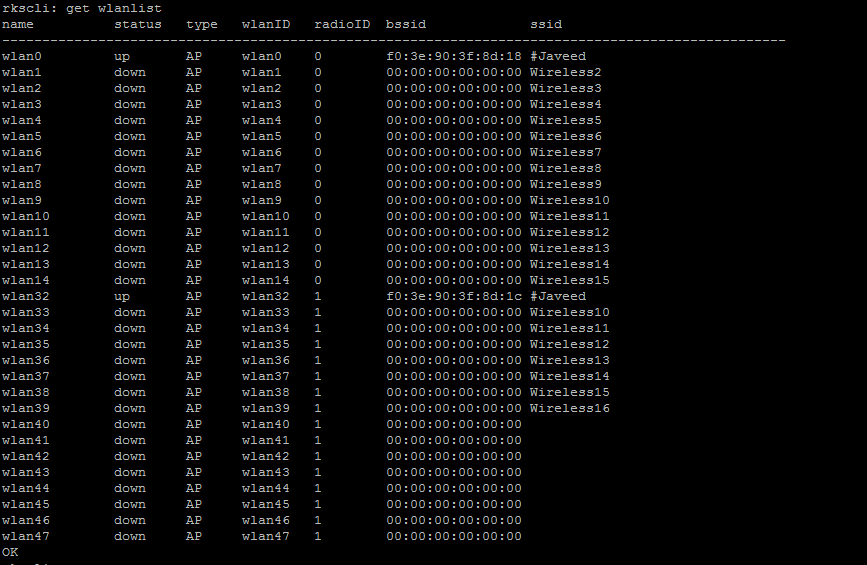
Setting the WLAN interface state to up or down from the AP CLI
Note: The AVC feature is disabled by default in the SmartZone interface, however, ensure that the feature is disable for end-to-end FIPS compliance.
Recovery SSID Not Supported.
FTP, TFTP, and Web Not Supported
HTTP and Telnet Management Access Not Supported
HTTP and Telnet management access is not supported in FIPS mode. The Telnet and HTTP access options are unavailable in the web interface when FIPS mode is enabled.
Web Interface Access Through HTTPS Not Supported
The web interface through HTTPS is not accessible in FIPS mode when the AP has joined SmartZone.
SNMPv1 and SNMPv2c Not Supported
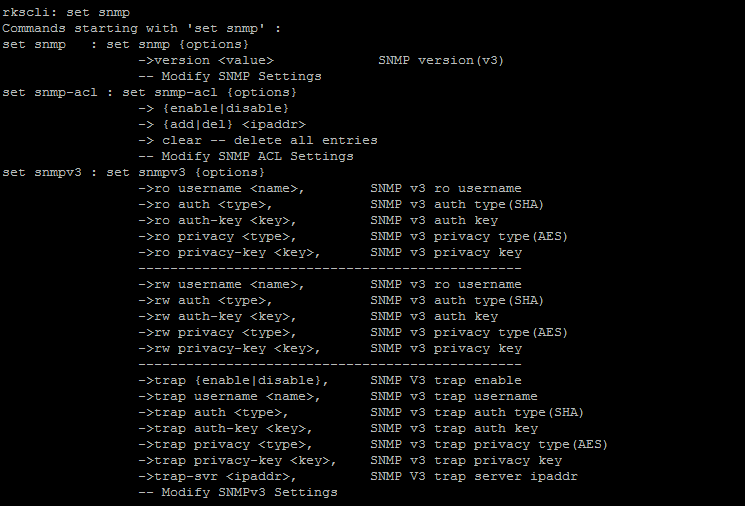
SNMPv1 and SNMPv2c are not supported when FIPS mode is enabled. In FIPS mode, only SNMPv3 commands are included.
WLAN Inteface Up or Down from AP CLI Not Supported
When FIPS mode is enabled, you cannot set the WLAN interface state from the AP CLI.
