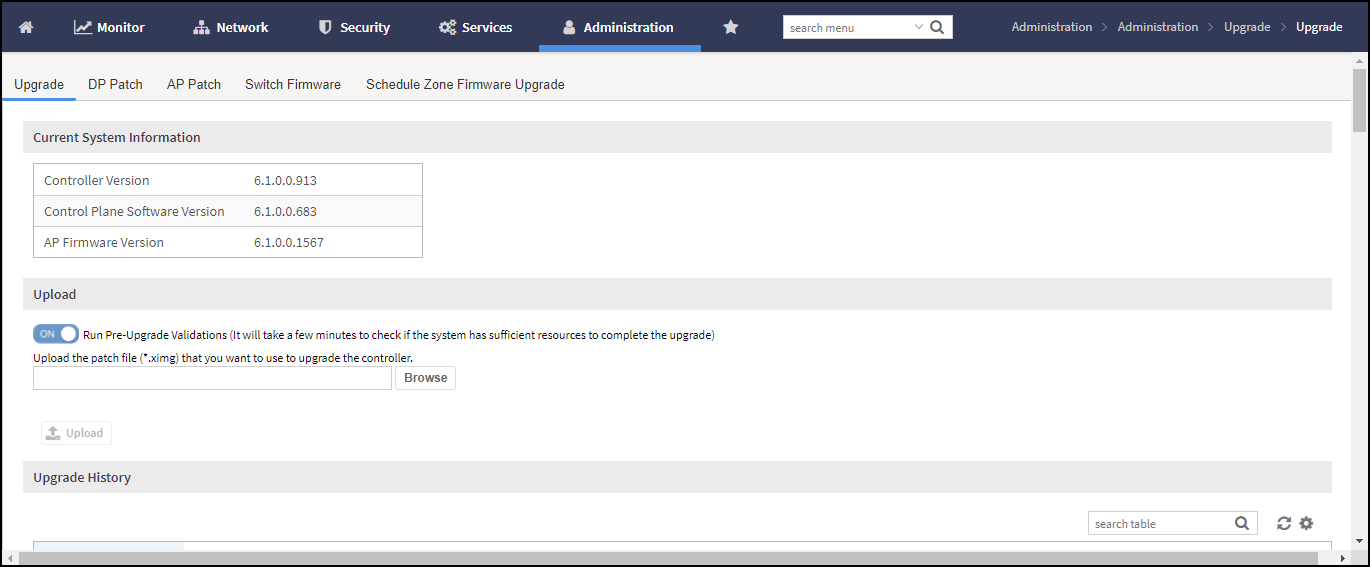
Verifying the Upgrade
- Log on to the controller web interface.
- Go to .
- In the
Current System Information section, check the value for
Controller Version.
If the firmware version is newer than the firmware version that controller was using before you started the upgrade process, then the upgrade process was completed successfully.
Note: APs periodically send scheduled configuration requests to the controller, including the firmware version. Therefore, when an AP joins a zone for the first time, the firmware version is verified by the controller. If the firmware version is different from that which is configured for the zone, the controller responds with a request to upgrade it, after which the AP initiates a request to upgrade the firmware using HTTP.