Creating a Storage Bucket
You can create storage for the objects you create. Follow these steps to create storage.
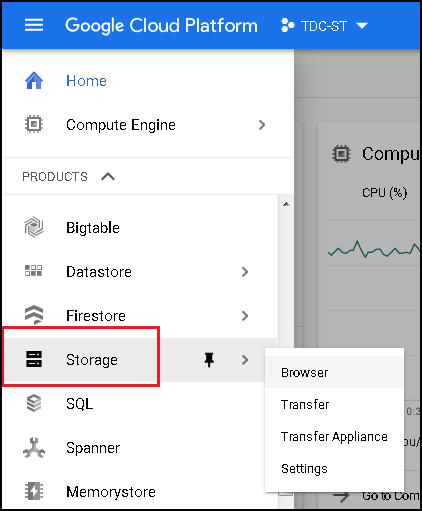
- From Google Developers Console, click icon > . The Cloud Storage Buckets screen appears.
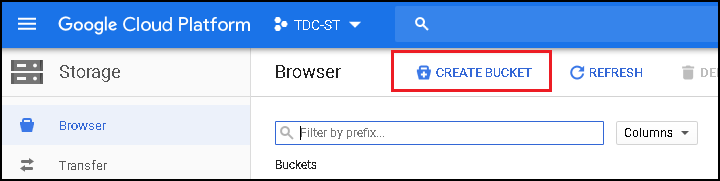
- Click Create Bucket. The New bucket screen appears.
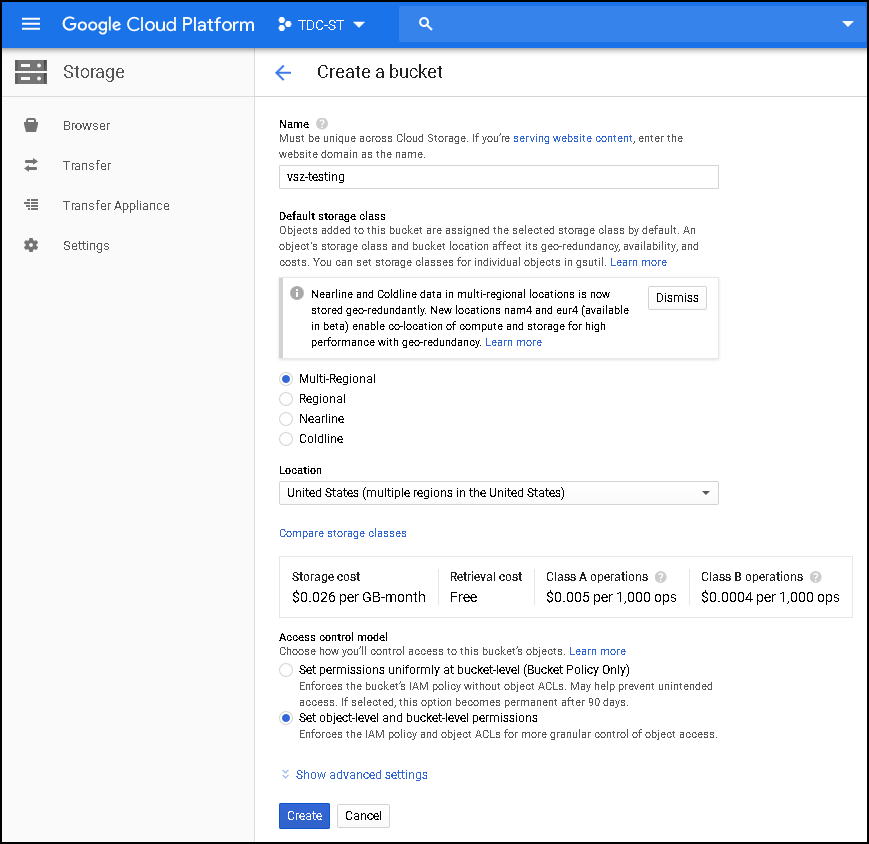
- Complete the following fields,
- In Name, type the name of the storage bucket
- In Storage class, select the storage class you want. You can choose from Standard, Durable Reduced Availability (DRA) or Cloud Storage Nearline in the drop-down list. Use the below table to compare the storage classes.
- In Location, select the location from the drop-down list.
Bucket Storage Location
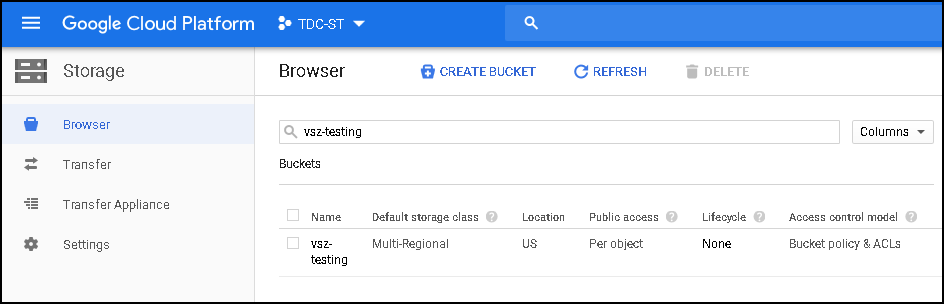
Storage Class Characteristics Use Cases Bucket Location Standard Storage High availability, low latency (time to first byte is typically tens of milliseconds). Storing data that requires low latency access or data that is frequently accessed ("hot" objects), such as serving website content, interactive workloads, or gaming and mobile applications Continental locations Durable Reduced Availability (DRA) Lower availability than Standard Storage and lower cost per GB stored. Applications that are particularly cost-sensitive, or for which some unavailability is acceptable such as batch jobs and some types of data backup. Continental and regional locations Cloud Storage Nearline Slightly lower availability and slightly higher latency (time to first byte is typically 2 - 5 seconds) than Standard Storage but with a lower cost. Data you do not expect to access frequently (i.e., no more than once per month). Typically this is backup data for disaster recovery, or so called "cold" storage that is archived and may or may not be needed at some future time. Continental locations - Click Create. The storage bucket you created is listed in the browser.
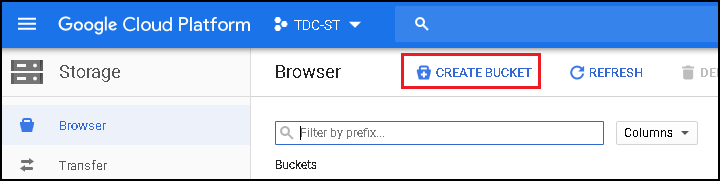
- To create another storage, click Create bucket as shown.
- Verify that the storage bucket has been created.