Uploading vSZ Image to a Storage
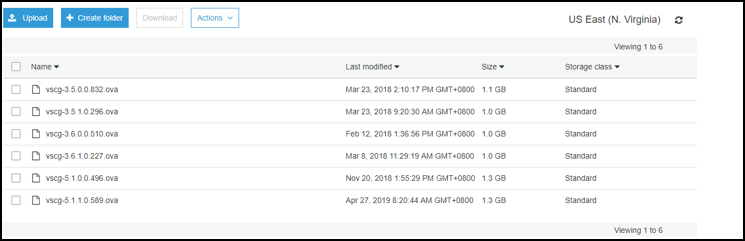
Follow these steps to upload a vSZ image to the storage bucket you created.
- Select the storage bucket to upload the vSZ image.
- Click Upload as shown.
- Browse to the location of the vSZ image and select vSZ image file.
Only images with file-type *.raw or .ova or vmdk can be selected.
- Click Start Upload to upload the file. The upload process is displayed.
- The image is listed in the storage bucket after the image is uploaded.