Creating a Resource Group
Follow these steps to create a resource group:
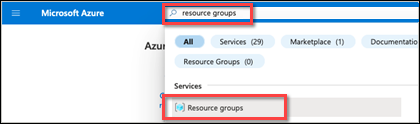
- In your Azure Cloud subscription, search for Resource groups and click on that service.
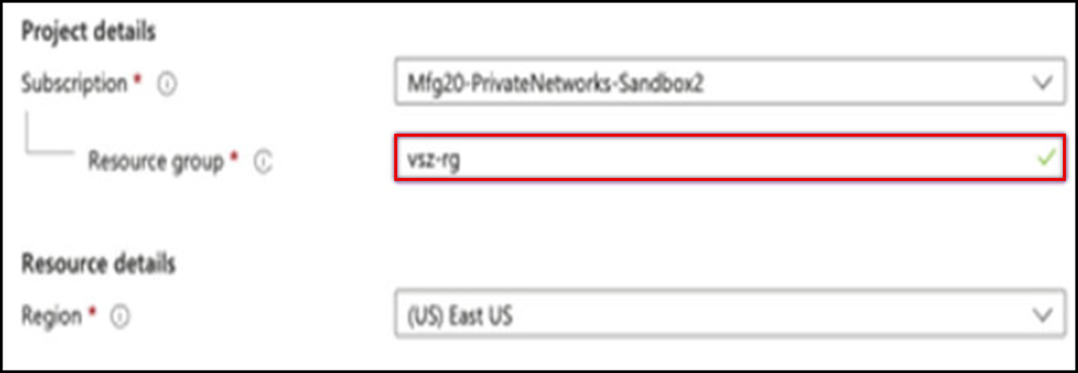
- Click on Create to add a Resource group. In the creation page, confirm the correct subscription, name the resource group (this example uses “vsz-rg”), and set the correct Azure Region, (this example uses East US).
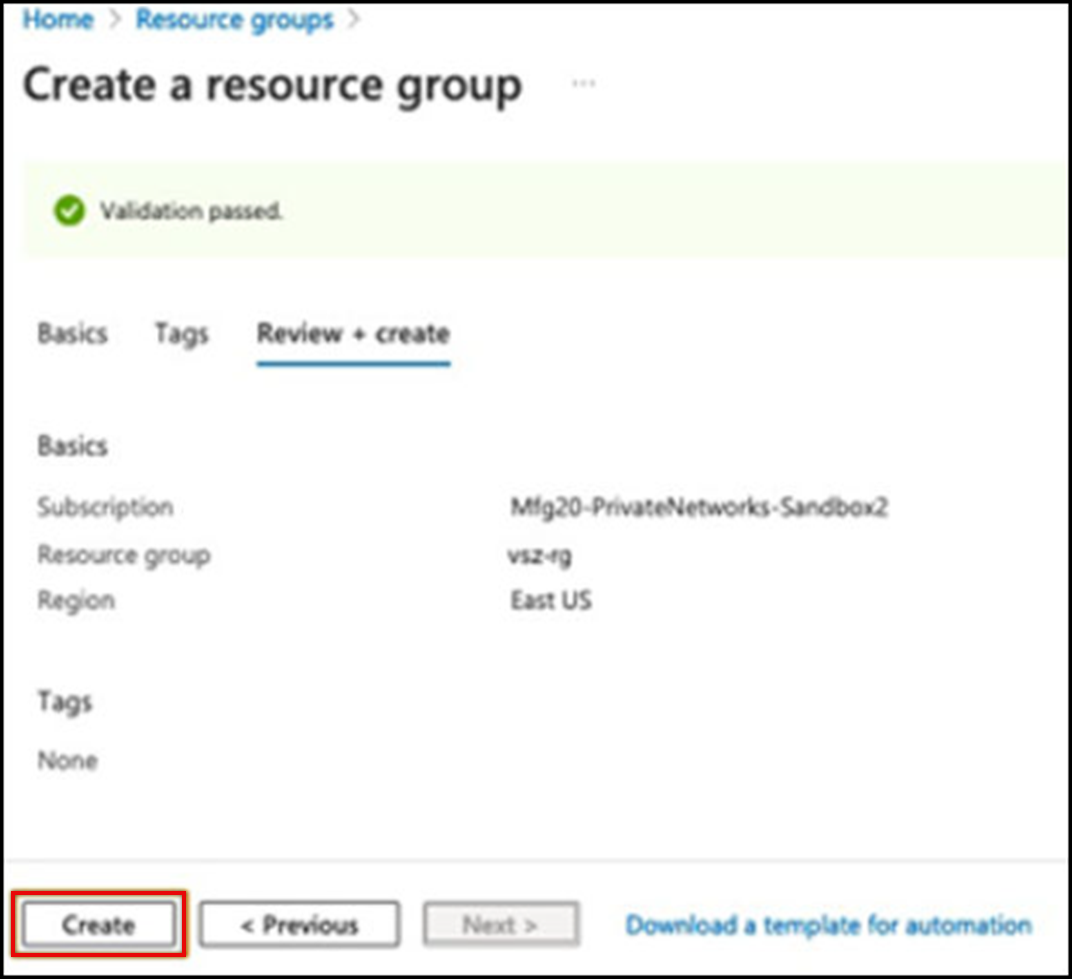
- Click through the next sections to Review + create after the validation has passed.
- Click on Create.