Logging into GCE and Selecting a Project
This section describes how to log into the GCE and select a project.
- Click http://cloud.google.com to access the Google Cloud Platform website.
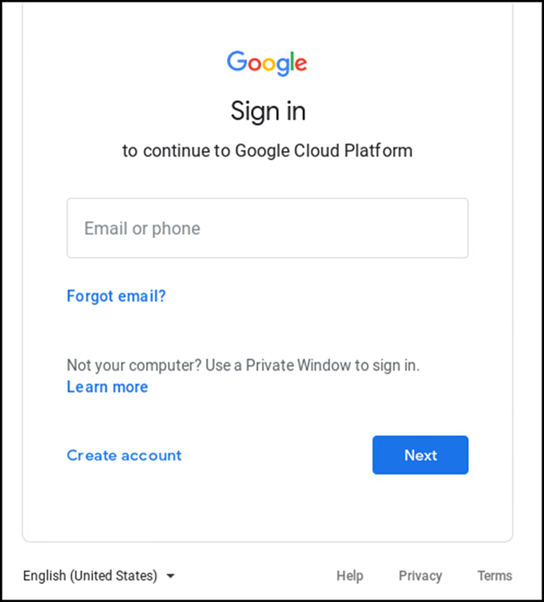
- Log in using your user name and password.
- Select My console as shown.
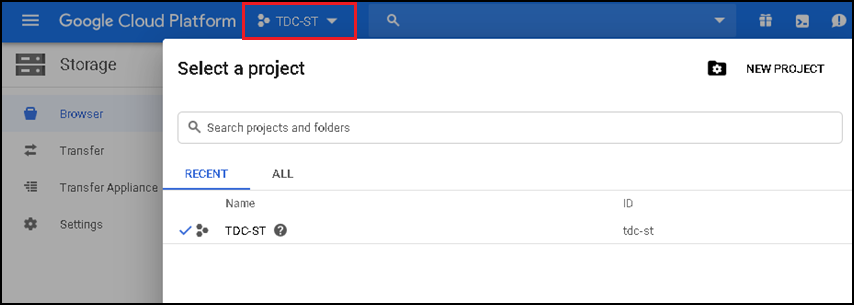
- A list of projects you created is displayed. Click to choose a project.
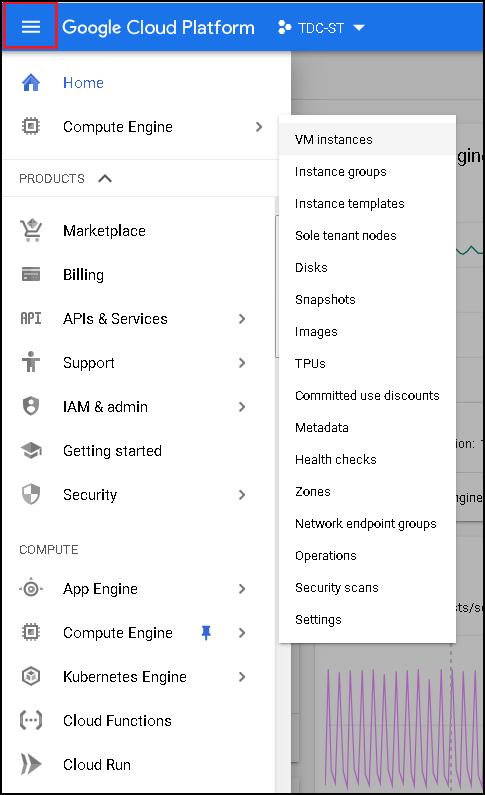
- Click Product and Services icon to view the list of GCE services.