Creating an Internal Network
You must create an internal network to deploy vSZ instances.
- Log out of OpenStack as an administrator and log in to OpenStack with an existing user account.
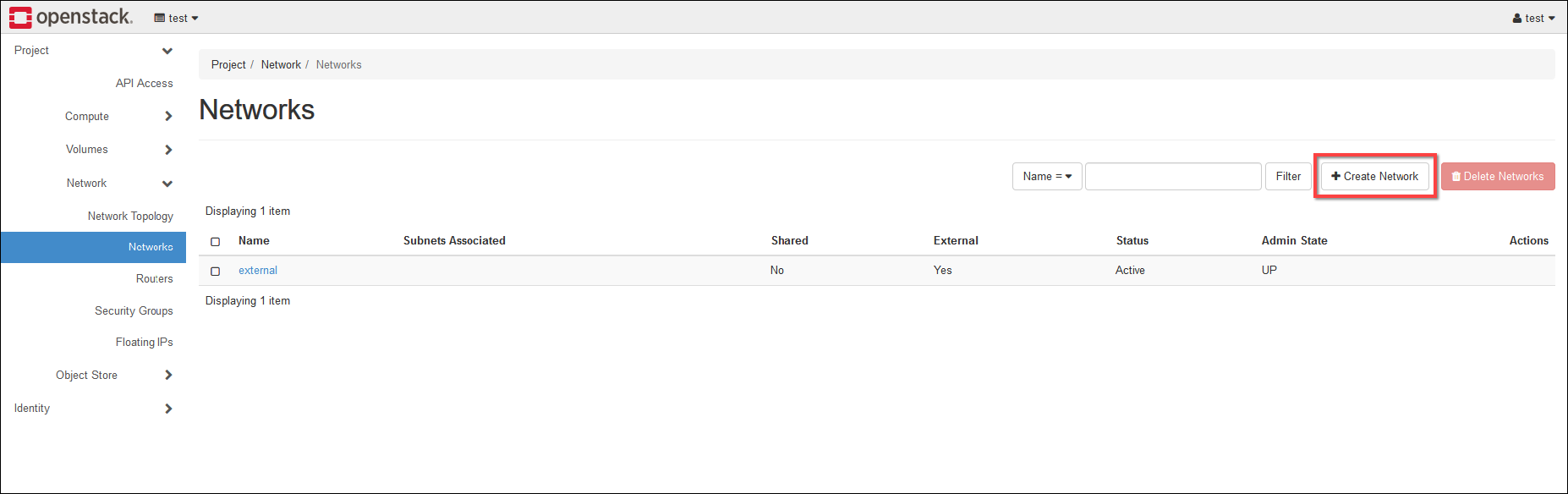
- Select .
- Click Create Network.
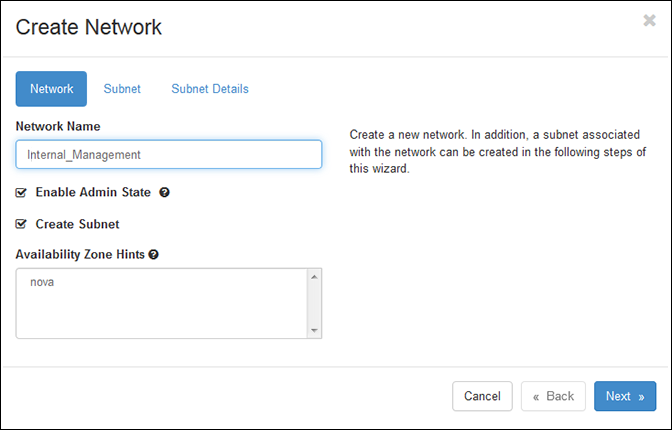
- Click Network to enter the network name and click Next.
- Click Subnet to enter the subnet name and network address, and click Next.
- Click Subnet Details to enter DNS name servers.
- Click Create.