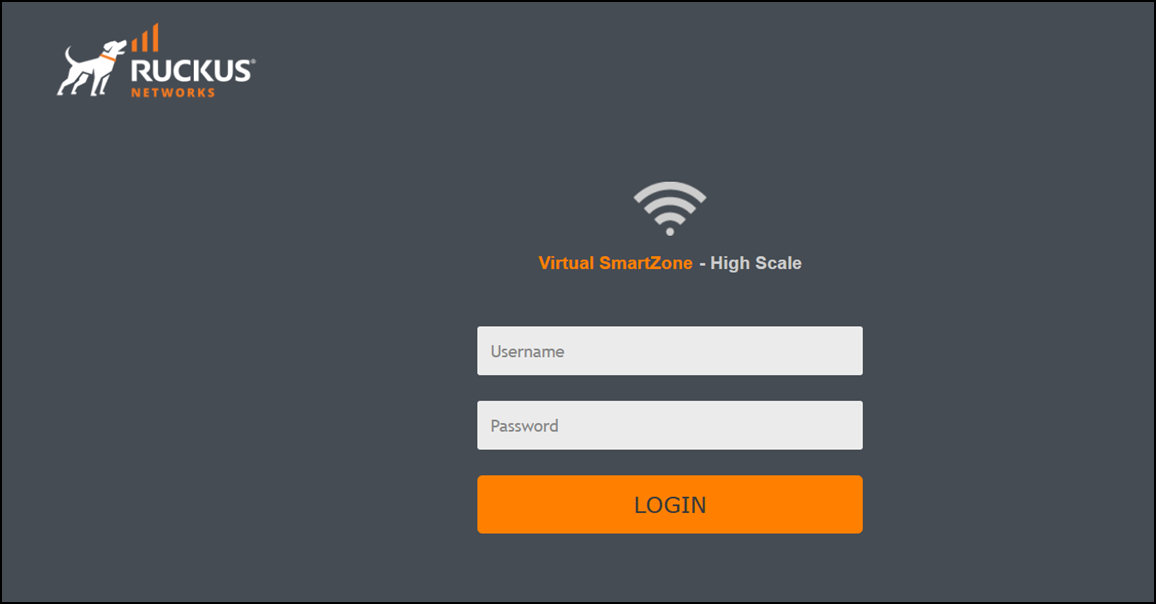
Logging On to the Web Interface
You can access the web interface from any computer
that is on the same subnet as the management (web) interface. Follow these steps to
log on to
the vSZ web interface.
- On a computer that is on the same subnet as the Management (Web) interface, start a web browser.
- In the address bar, enter the IP address that you assigned to the Management (Web)
interface and append a colon and 8443 (vSZ management port number) at the end of the
address. The vSZ web interface logon page appears.If the IP address that you assigned to the Management (Web) interface is 10.10.101.1, then you should enter:
https://10.10.101.1:8443
- In User Name, type admin.
- In Password, type the administrator password that you assigned to the web interface earlier.
- Click Log On. The web interface refreshes, and then displays the vSZ dashboard page, which indicates that you have logged on successfully.