Creating a Storage Account
To upload the VHD file, an Azure storage
account and Blob Container must be created.
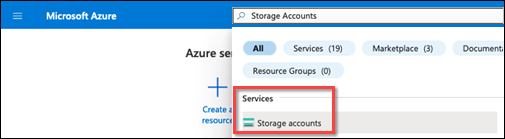
- Search for Storage Accounts and click on the service’s icon to open the page.
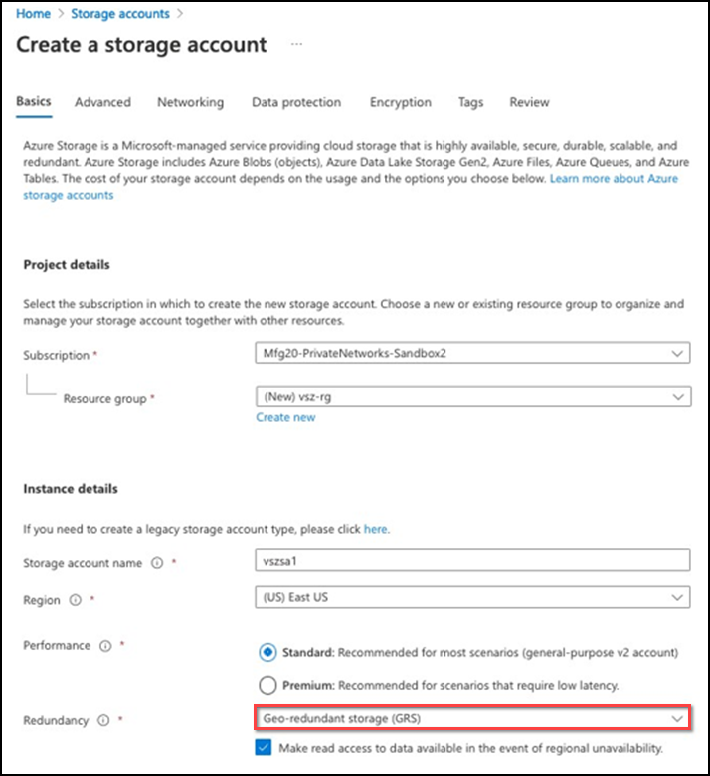
- In Storage accounts, click on + Create and update the project details such as Subscription, the newly created Resource Group (vsz-rg), Storage Account Name (this example uses vszsa1), and Region.
- The Performance and Redundancy options should be set to default.
- Use the defaults for the Advanced through the Encryption sections. Add Tags if required (this example does not use Tags).
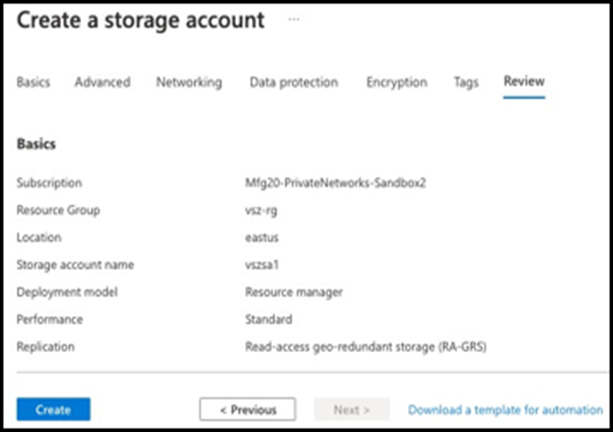
- Review the sections and click on Create.
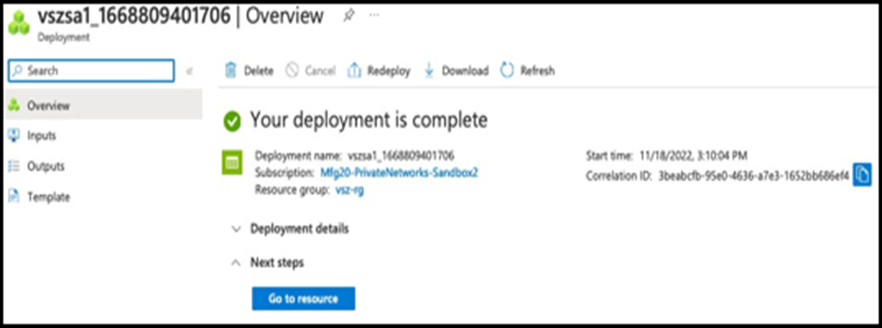
- After the deployment is completed, click on Go to resource.
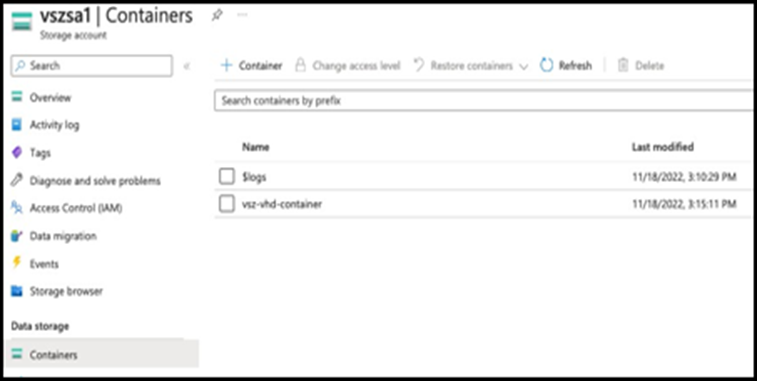
- Go to Data storage > Containers and click +Container to add a new container. Name it "vsz-vhd-container", leave the settings at their default and click on Create.