Setting Up a vSZ Cluster on OpenStack
Complete the following steps to set up a vSZ cluster on the OpenStack platform.
- Select .
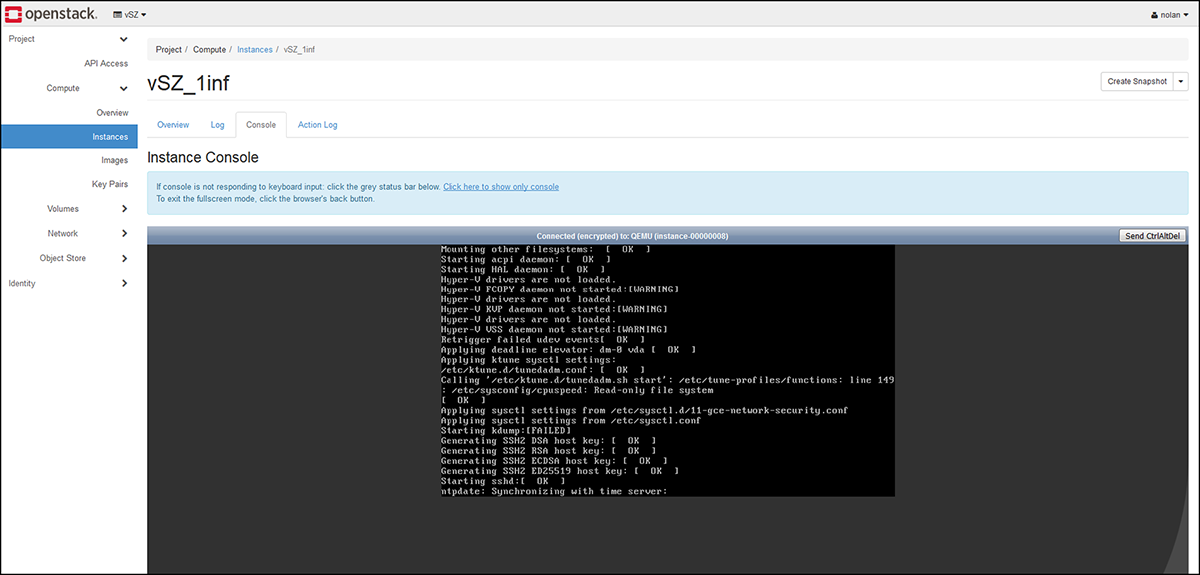
- Click the instance name of the vSZ.
- Click
Console to view the vSZ login prompt.
Note: The Linux PC uses a private key to connect to the vSZ console.
- Complete the vSZ setup flow steps. Refer to Using the Setup Wizard to Install vSZ.