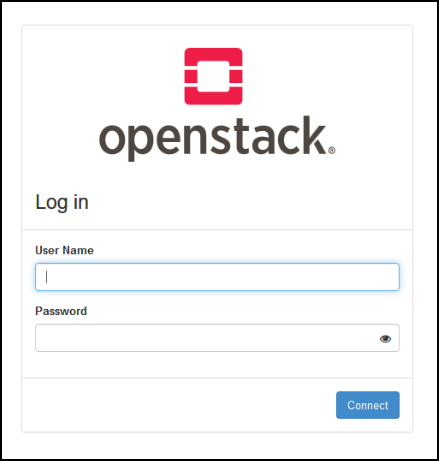
Accessing the OpenStack Dashboard
- Open https://IP_Address/dashboard or https://fqdn/dashboard if the fqdn can be resolved.
- Login OpenStack using the Administrator
User Name and the
Password.
[root@openstack ~]# cat keystonerc_adminunset OS_SERVICE_TOKEN export OS_USERNAME=admin export OS_PASSWORD='admin' export OS_AUTH_URL=http://10.10.30.2:5000/v3 export PS1='[\u@\h \W(keystone_admin)]\$ '
export OS_PROJECT_NAME=admin
export OS_USER_DOMAIN_NAME=Default
export OS_PROJECT_DOMAIN_NAME=Default
export OS_IDENTITY_API_VERSION=3