Creating an Internal Network
Note: Login OpenStack with user account that we just created.
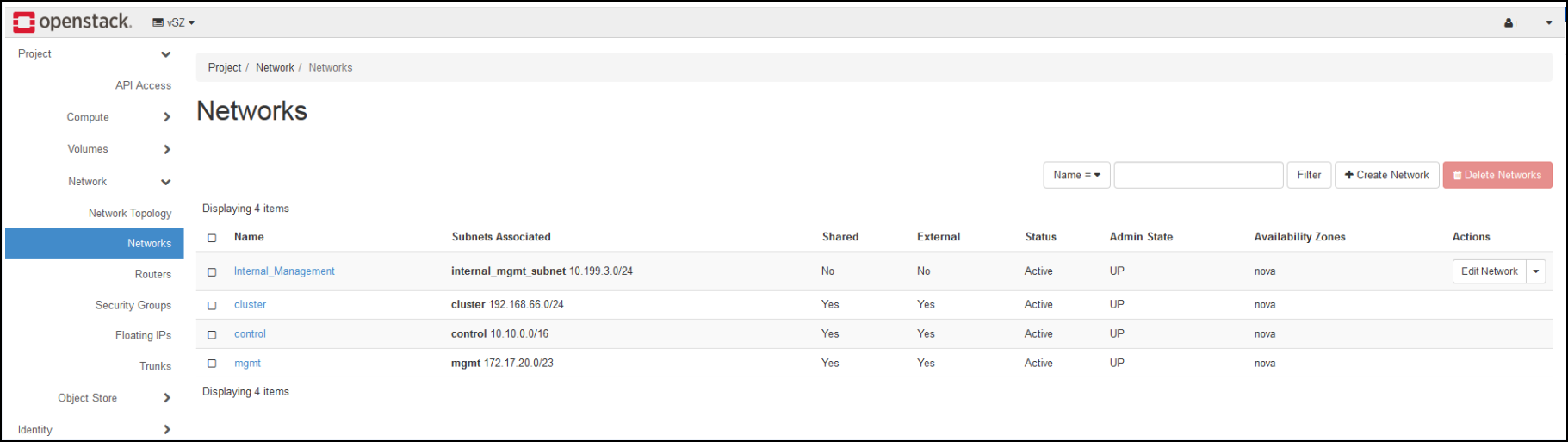
- From the homepage, click
.
The Networks page is displayed.
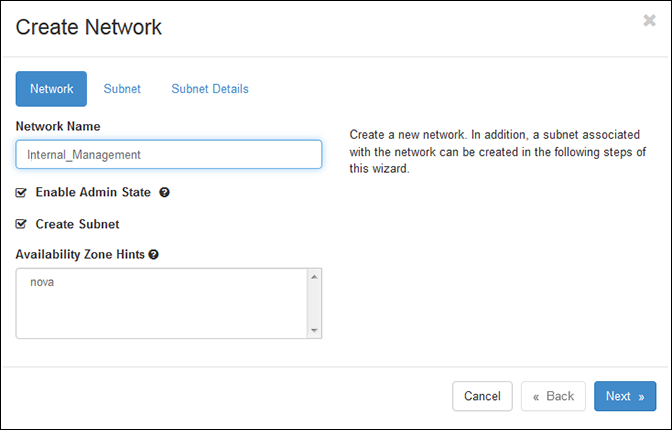
- Click Create Network.
- Enter the
Network Name and click
Next.
The Subnet tab is displayed.
- Enter the Subnet Name.
- Enter the
Network Address for the internal network and click
Next.
The Subnet Details tab is displayed.
- In DNS Name Server: enter the DNS address.
- Click Create.