Creating a VM Import Service Role
- In the AWS web interface navigate to > .
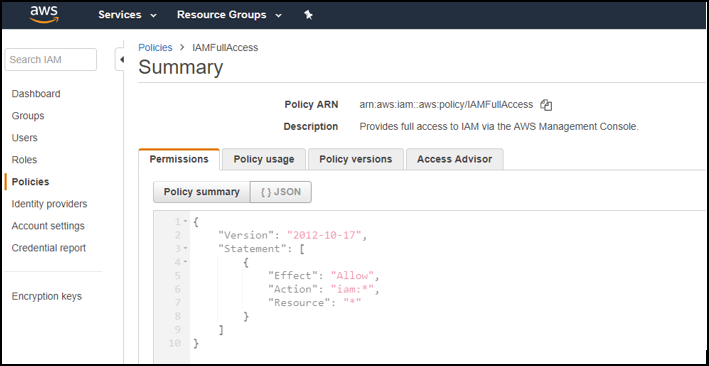
- Check your account permission by navigating to > > . Your account should have the permission - IAMFullAccess.
- Create a JSON file called trust-policy.json using the following commands:
- Use the following command to create a role. Specify the name as vmimport and give the option VM Import/Export access.
- Create a policy for the service role by creating a JSON file called role-policy.json using the following commands. Replace the bucket name with the storage bucket name that you created.
- Run the following command to attach the policy to the service role created.
# aws iam put-role-policy --role-name vmimport --policy-name vmimport --policy-document
                     file://role-policy.json