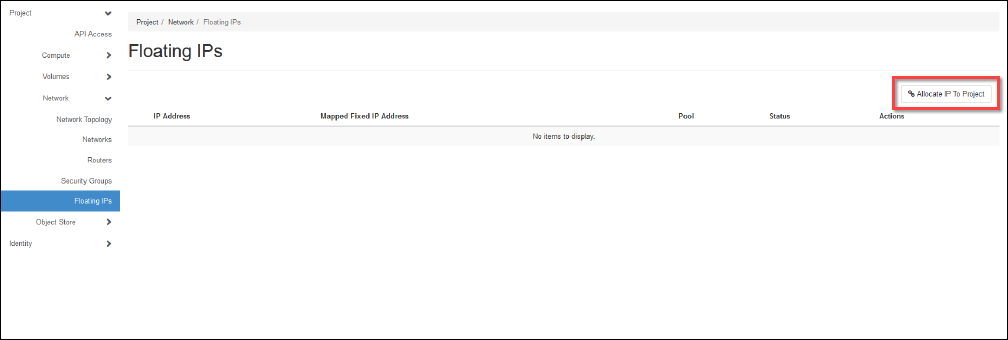
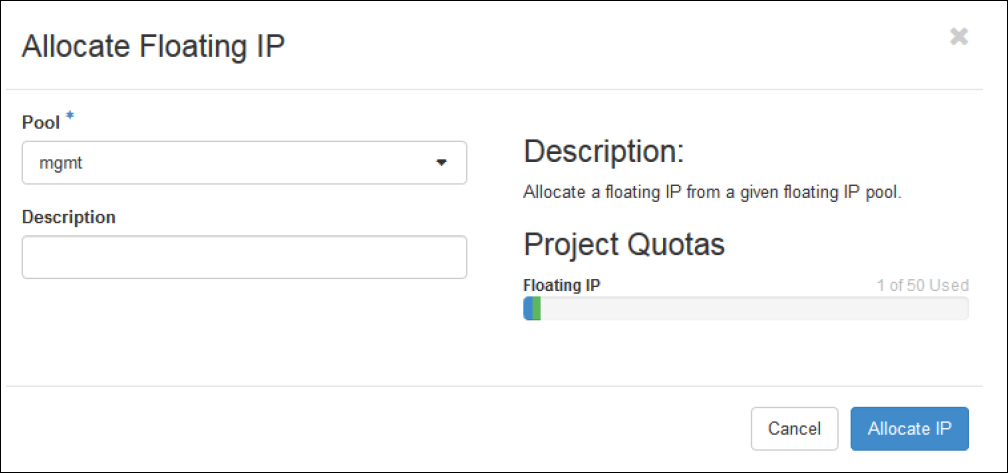
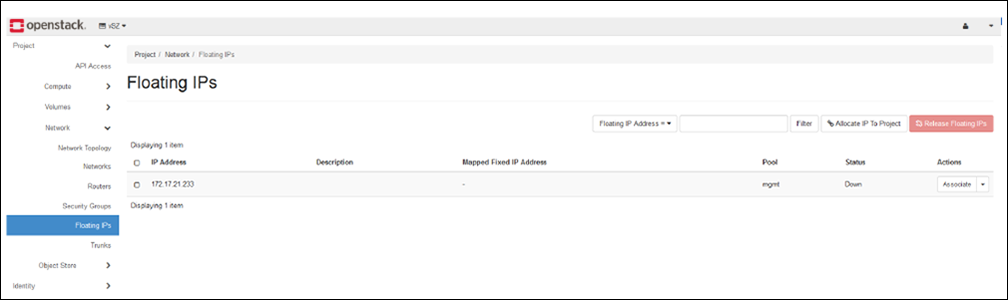
Allocating Floating IPs From the homepage, click Project > Network > Floating IPs. The Floating IPs page is displayed. Floating IPs Page Click Allocate IP to Project. The Allocate Floating IP page is displayed. Allocate Floating IP Page From the Pool, select the external interface. Click Allocate IP. The system takes a few seconds to allocate the IP. Allocated Floating IP Parent topic: Deploying One-interface vSZ with built-in SNAT