Creating a Storage Bucket
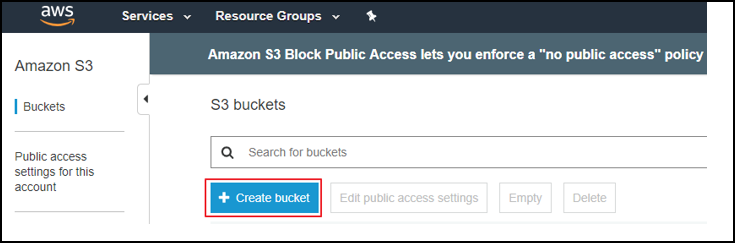
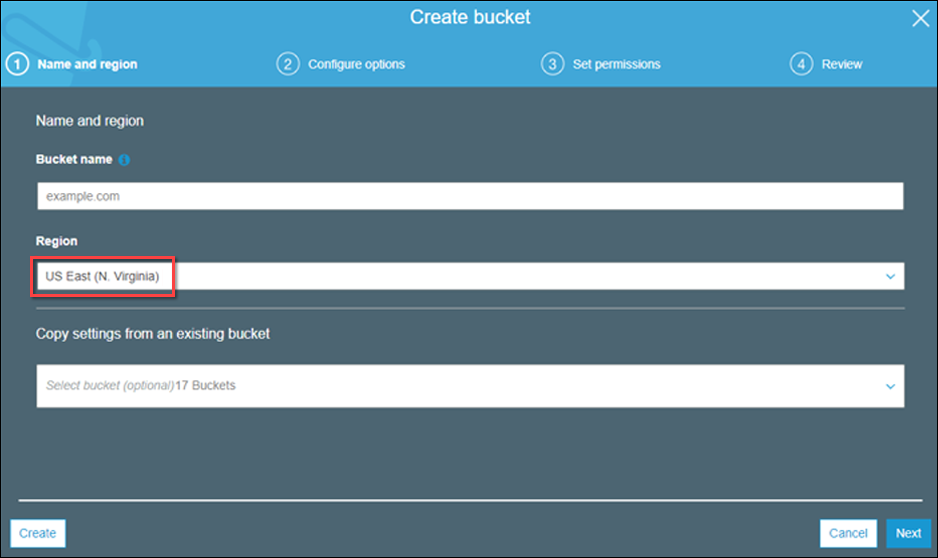
Create storage for the objects you create. Follow these steps to create storage.
You are viewing a cached version of this page.
You are currently offline. This page was loaded from cache.
Did you find what you were looking for?