Creating Key Pairs
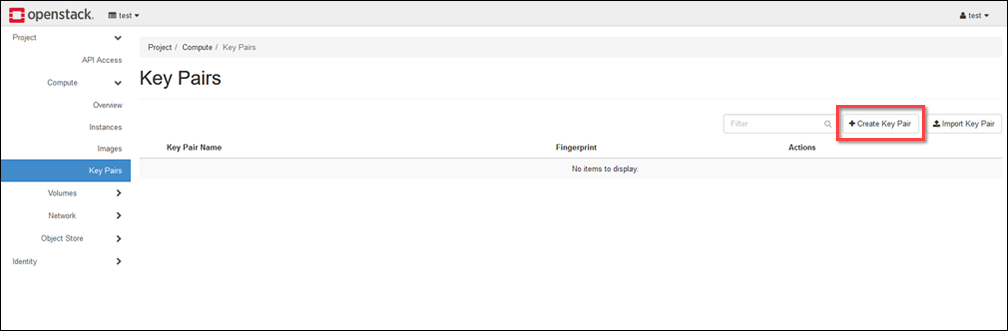
- From the homepage, click .
- Click Create Key Pairs.
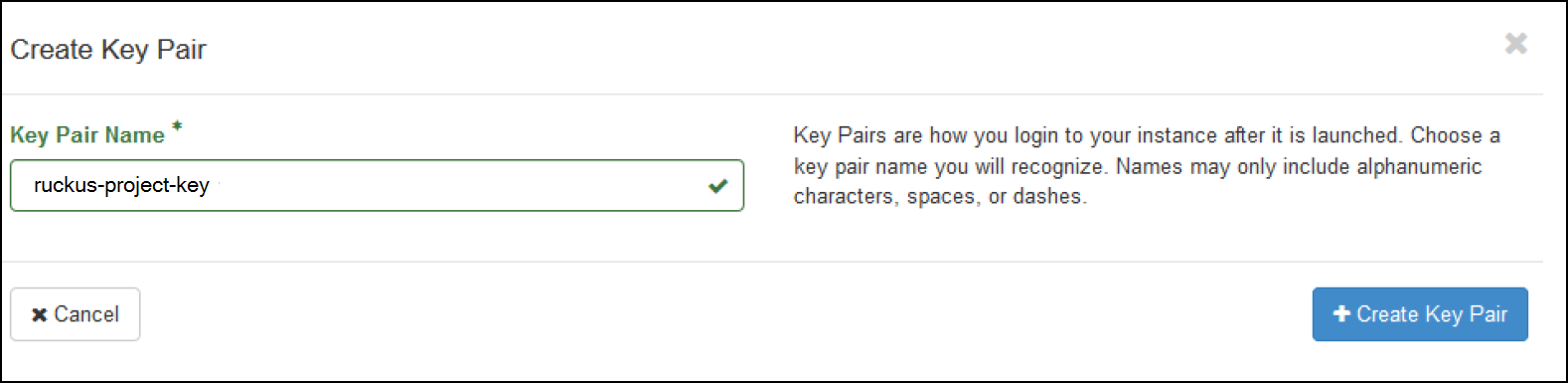
- Enter the Key Pair Name and click Create Key Pair.
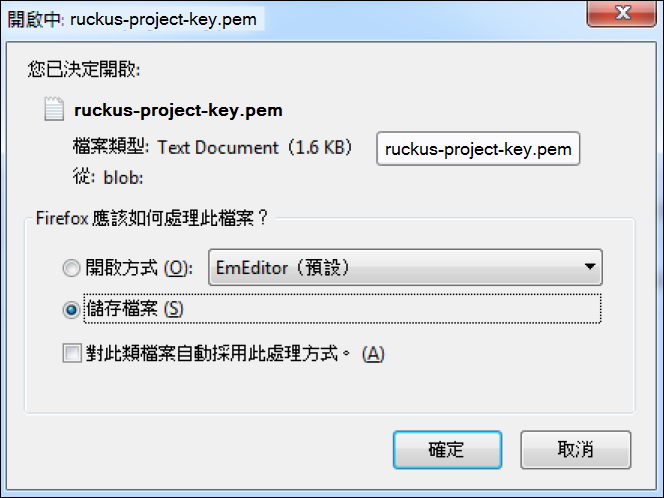
- Save the file to the Linux PC and change permission using command
chmod 600 test.pem.It is used to establish ssh vSZ connection with floating IP address. Other terminal tools also can use this key file to establish ssh connection with vSZ.