Deleting a Cluster Backup
Follow these steps to delete a cluster backup.
- Go to .
- In the
Cluster Backups History section of the
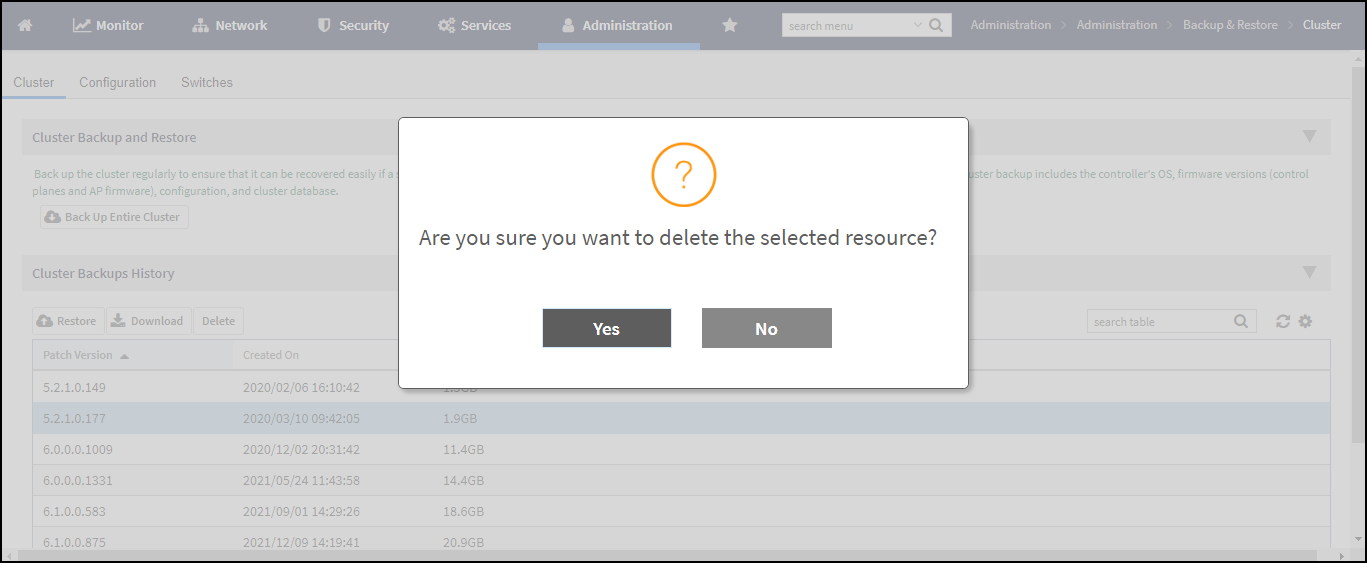
Cluster tab, locate the cluster backup that you want to delete, and then click it.
The cluster backup becomes highlighted, which indicates that you have selected it.
- Click
 .
- Click
Yes.
The page refreshes, and then the cluster backup that you deleted disappears from the Cluster Backups History section.